Why Everyone’s Talking About CBSE 10th Result 2026
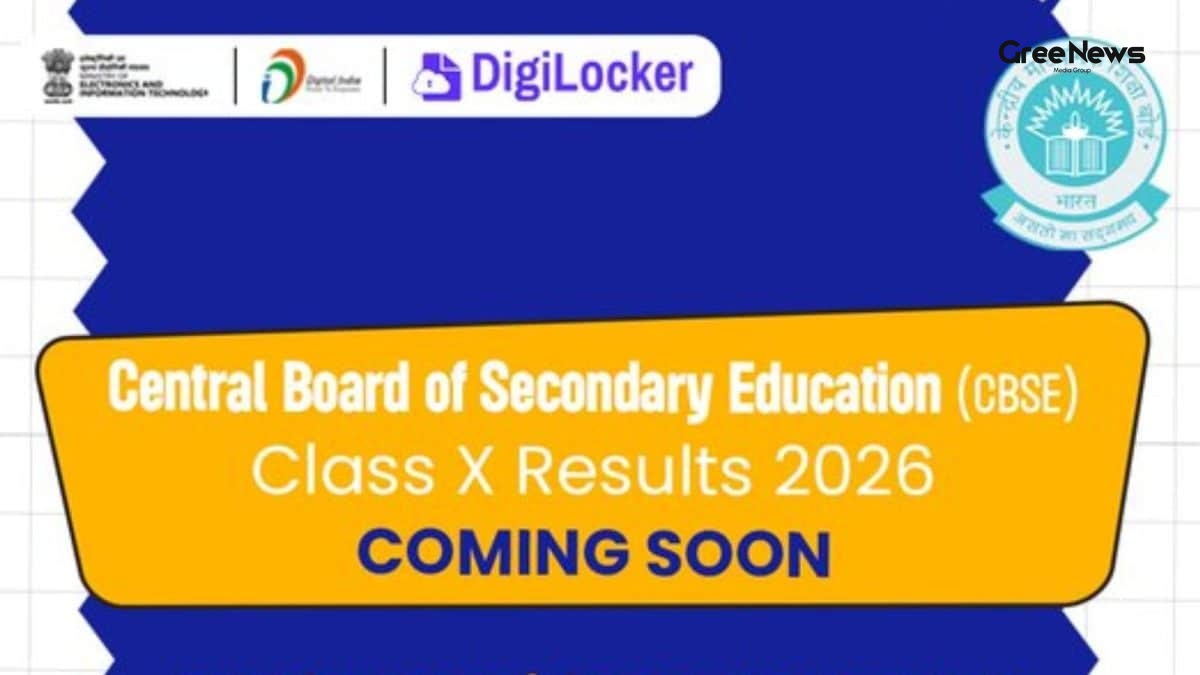
Honestly, you can feel the tension in the air it’s like the whole country is waiting for the next episode of a popular series. The CBSE 10th Result 2026 is the talk of the town, and you’ll see it popping up on every "latest news India" feed, from WhatsApp forwards to trending news India portals. What’s making it even more interesting this time is the board’s decision to run two exam sessions in a single year. That means the first set of results will drop a little earlier than usual, and then there’s a second chance for those who want to improve their scores in May.
When the result finally lands, you’ll have a few options to check it. The classic way is to head to results.cbse.nic.in, but if you’re like most of us who keep everything digital, DigiLocker is a lifesaver. It’s free, it’s linked to your Aadhaar, and it stores the marksheet safely without any paper clutter. Trust me, setting it up now saves a lot of last‑minute panic later.
What’s Different This Year? Two Sessions, More Flexibility
This year, CBSE introduced a major change. Students can appear for a second session (Session 2) in up to three subjects. In most cases, the first session is already done, and once the results are out, you’ll know exactly which subjects you want to re‑appear in. It’s a bit like getting a do‑over on your exam, something many of us didn’t have back in school.
What happened next is interesting: the board announced that the second session will be held in May, giving enough time after the first result to plan the re‑appearances. Many people were surprised by this new flexibility, and it has turned into something of a viral news topic among students and parents alike.
From a practical standpoint, this means you might see two sets of marksheets in DigiLocker one for Session 1 and another, later on, for Session 2. Keep an eye on the "issued documents" section, and don’t delete anything until you’re sure you’ve saved the final version you need.
Step‑by‑Step: How to Download Your CBSE 10th Result 2026 from DigiLocker
Alright, let’s get into the real meat of it. Below is a simple, almost no‑brainer guide that I followed myself when I was checking my own 10th result a few years back. It works the same way for 2026, so you can follow along without any tech‑guru skills.
- Once you’re inside, look for the “Issued Documents” tab on the homepage. It usually sits right under the main menu; you can’t miss it.
In most cases, DigiLocker automatically pulls in documents that are issued to you by government bodies, so the CBSE result should appear here as soon as the board uploads it.
- Spot the link that says “CBSE 10th Result 2026”. It might be displayed as a PDF icon or just a plain text link. Click on it.
- The marksheet will open in a new window. You’ll see your roll number, your name, the school details, and, of course, the marks for each subject.
- If everything looks good, hit the download button (it’s usually a downward arrow at the top right). Save the PDF somewhere safe maybe a folder named “CBSE Results”. You can also share it directly from DigiLocker to your email or WhatsApp if you need to send it to someone.
That’s basically it. The whole process takes less than five minutes, and you avoid the hassle of waiting for a physical copy. Plus, the PDF is easy to print later if you need a hard copy for school records.
Other Ways to Check Your Result Just In Case
If for any reason DigiLocker isn’t working for you, don’t panic. The board also offers an SMS service. All you need to do is send your roll number to a specific number (you can find it on the official CBSE website) and you’ll receive a short message with your total marks. It’s not as detailed as the full marksheet, but it’s handy if you’re on the move.
And of course, you can always visit the official website results.cbse.nic.in. The site is straightforward just select your class, enter your roll number, and boom, your result appears. However, many students find DigiLocker smoother because it stores the document automatically for future reference.
Pass Percentage Trends A Quick Look Back
Curiosity kills the cat, they say, but it also feeds the brain. Many of us wonder how the pass percentages have been shaping up over the years. Here’s a quick snapshot (no new data added, just the numbers you already know):
- 2024: 93.60%
- 2023: 93.12%
- 2022: 94.40%
- 2021: 99.04%
- 2020: 91.46%
Seeing those numbers, you can guess that the board’s standards are fairly consistent, with a slight dip in 2020 probably because of the pandemic disruptions. This year, with AI and on‑screen marking coming into play, the board hopes to make the evaluation process even more transparent.
AI and On‑Screen Marking The Future Is Here
Honestly, the whole “teachers using red pens” thing feels like a scene from an old movie now. The board is moving fast with artificial intelligence. Answer sheets are scanned, and markers can view them on a computer screen, making the marking quicker and less error‑prone. In most cases, this also means your result could be out a bit sooner, because the bottleneck of manual marking is gone.
Many people were surprised by how fast the technology is being adopted. It’s a piece of breaking news that’s turning into "trending news India" on many education blogs. For students, it just means a smoother experience and hopefully a more accurate reflection of what you actually know.
Practical Tips to Keep in Mind After the Result Is Out
Okay, the result is finally in what now? Here are a few things that helped me and my friends manage the post‑result rush:
- Take a screenshot of the marksheet on DigiLocker as a backup. Sometimes the portal can be glitchy, and you’ll thank yourself for having a copy.
- Share the PDF with your parents or teacher via WhatsApp. It speeds up any follow‑up you might need, like applying for a school seat or checking eligibility for scholarships.
- Check your school’s portal too. Some schools upload the result on their own site for record‑keeping.
- Plan your next steps. If you’re thinking of re‑appearing in any subjects, note the deadlines for the second session right away. The board usually releases a separate notice for that.
And remember, even if you don’t get the scores you hoped for, there are many paths forward vocational courses, state board options, or the second CBSE session this year. It’s not the end of the world.
Final Thoughts Stay Calm and Check Your DigiLocker
At the end of the day, the CBSE 10th Result 2026 is just a number, not a definition of your worth. The key is to stay prepared, keep your DigiLocker ready, and use the tools the board offers be it the website, SMS, or the AI‑enhanced marking system. Trust me, a little bit of planning now saves a lot of stress later, and you’ll be able to share your good news with friends without any hassle.
So, set up that DigiLocker account today, keep an eye on the "issued documents" tab, and be ready for the moment when the "latest news India" feed finally blares “CBSE Result 2026 is out!”.