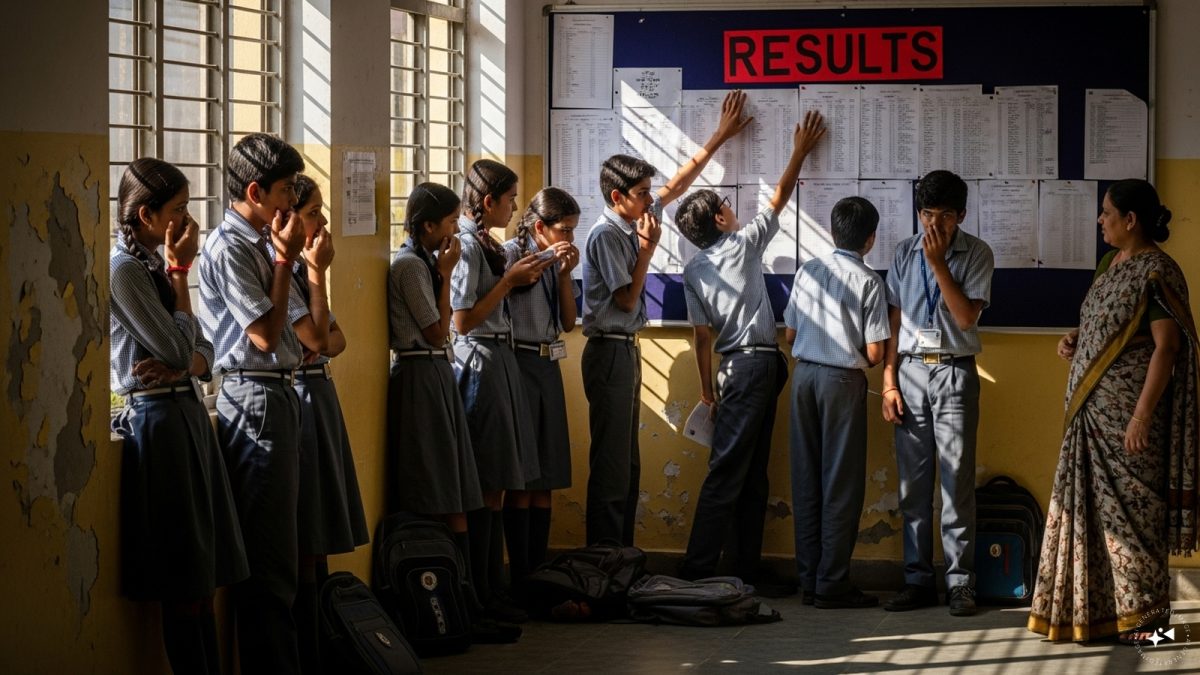
CBSE Result 2026: The Date, Time and Where It’ll Appear
Honestly, the whole country seems to be holding its breath right now. The CBSE Class 10 and 12 results for 2026 are expected to be announced very soon – no exact date yet, but the buzz is that it will be up on the official portals the moment the board puts it up. If you’ve sat those exams, you can watch the live updates on a few websites – the main one is results.cbse.nic.in, but you’ll also find the same data on cbse.nic.in, cbse.gov.in, cbseresults.nic.in and even on digilocker.gov.in if you prefer that route.
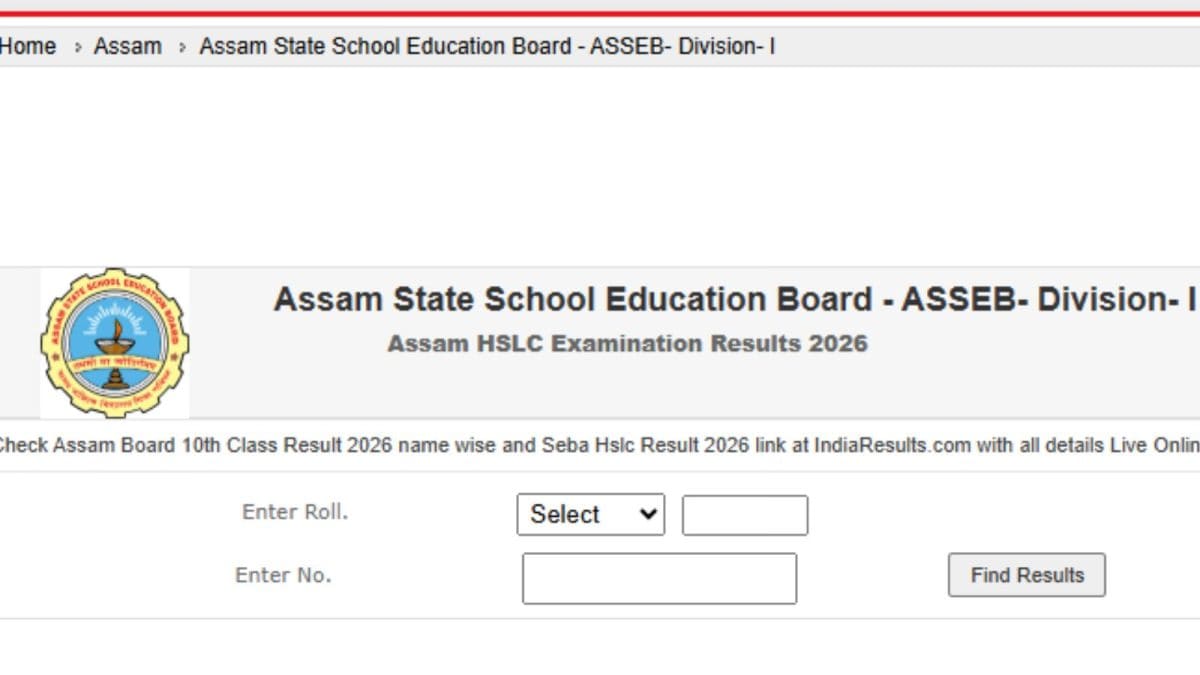
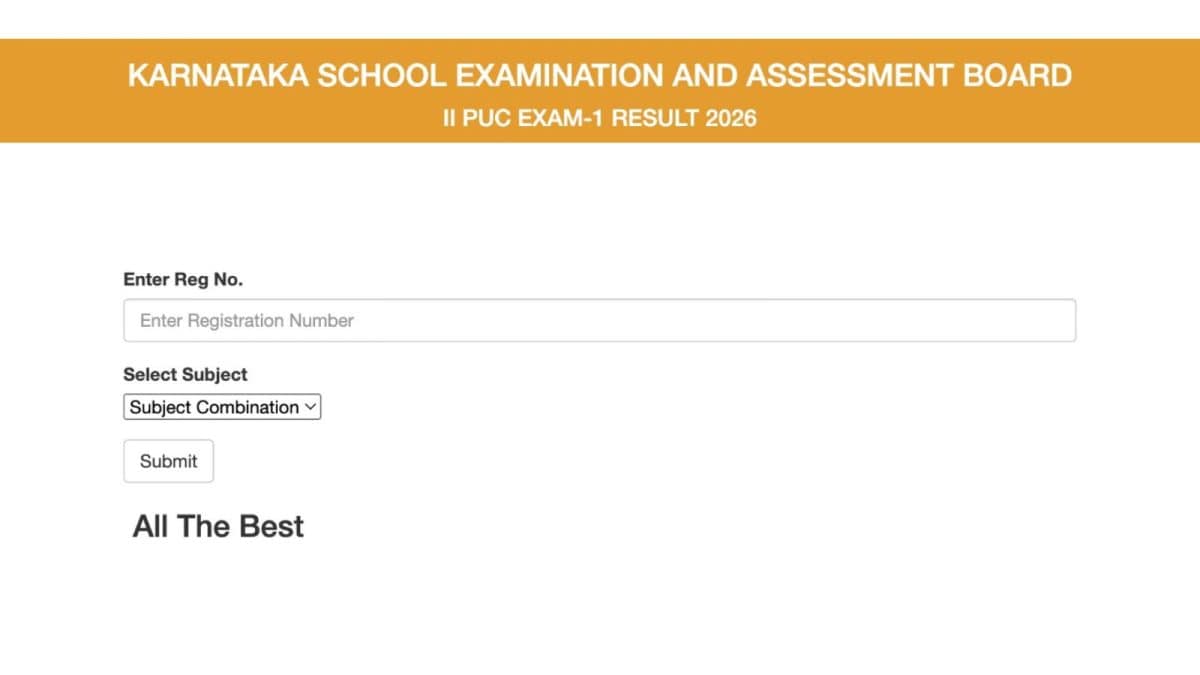
When the link finally goes live, you’ll see a simple interface prompting you to pick either ‘CBSE Class 10 Result 2026’ or ‘CBSE Class 12 Result 2026’. After that, you’ll need to punch in your roll number, school code and date of birth – nothing fancy, just the usual details that the board asks for.
Why 33 % Still Matters – The Minimum Passing Rules
Before we jump into the checking steps, let me quickly remind you about the passing criteria – it hasn’t changed from previous years. To pass any subject, you must get at least 33 % in the theory part. That also means you need a minimum of 33 % in practicals, projects and internal assessments. In short, the combined theory‑plus‑practical score for each subject must cross the 33 % mark. It’s a simple rule, but during the exam season a lot of students forget it and start panicking when they see a low theory score, forgetting that a good practical could push them over the line.
In most cases, students who clear the 33 % requirement in every subject are considered to have passed the board exam overall. It’s not about the total aggregate alone – each subject is looked at individually. So, if you’re weak in Maths but strong in Science, you still need that 33 % in Maths to avoid a compartmentalisation later.
My Personal Journey: Waiting for the Result
Let me tell you how it felt for me. After the exams, I spent three weeks just scrolling through Instagram, looking at memes about “result anxiety”. My roommates in the hostel kept shouting “Check it now, check it now!” every time the site blinked. I even tried the old trick of refreshing the page every five minutes – the browser kept loading the same ‘maintenance’ notice, and I started believing that the board might have forgotten us! But then, early one morning, my phone buzzed with a notification – a friend had finally managed to open cbseresults.nic.in and saw her marks. That was the moment I realized I needed to stay calm and follow the exact steps.
Step‑by‑Step Guide: How To Check CBSE 10th, 12th Result 2026
Step 1: Open your browser and type cbseresults.nic.in. The homepage is usually plain – a blue banner with the board’s logo and two big buttons for Class 10 and Class 12 results.
Step 2: Click the button that matches your class – I was in Class 12, so I chose ‘CBSE Class 12 Result 2026’.
Step 3: You’ll see three boxes asking for your roll number, school number (or school code) and your date of birth. Make sure you enter them exactly as they appear on your admit card. A tiny typo can lead to a ‘No data found’ message, which is super frustrating when you’re already nervous.
Step 4: Hit the ‘Submit’ button. If everything is correct, a new page loads with your marks in a neat table – usually with columns for Theory, Practical, Total, and Grade.
Step 5: Save the page. I right‑clicked and chose ‘Save As…’ to keep a local copy on my laptop. Then I also took a screenshot on my phone and uploaded it to my Google Drive for backup. It’s wise to have at least two copies – one in cloud, one offline – because you never know when the portal might go down for maintenance later.
That’s it. Simple, right? The whole process takes less than five minutes if the server isn’t overloaded.
Real‑Life Examples: How Different Students Handled the Wait
In my own college, I noticed three distinct reactions:
- Rohit from Patna: He kept his phone turned off, trusting that the result would be sent to his DigiLocker automatically. He got a push notification from DigiLocker, opened it, and saw his marks – no manual checking needed.
- Meena from Mumbai: She downloaded the result on her phone but didn’t back it up anywhere. When her phone battery died later that day, she panicked until a friend sent her a screenshot from his phone.
- Arun from a small town in Rajasthan: He tried the official site on his 2G connection, got a ‘Server Busy’ error, and finally went to the nearest cybercafé. The internet there was faster, and he could finally view his score.
These little stories show that while the process is the same, the circumstances differ a lot across India. Whether you depend on DigiLocker, a personal device, or a public terminal, the key is to be prepared with your roll number and school code at hand.
Common Issues and How I Fixed Them
During the first few minutes after the result went live, many of us faced the dreaded “Server Busy” page. It’s the board’s way of saying that too many users are trying to access the site at the same time. Here’s what I did:
- Refreshed the page after a short interval – about 30 seconds.
- Switched to a different browser – sometimes Chrome behaves better than Firefox for this site.
- If the problem persisted, I used my mobile data instead of the college Wi‑Fi. Mobile data is often less congested during peak times.
Another hiccup is entering the wrong school code. The code is usually a six‑digit number printed on the admit card. I double‑checked it by looking at the top right corner of my admit card, and that saved me from the “No data found” error.
Lastly, some students tried to cheat by using third‑party apps that promise “instant result” – avoid those. They either give wrong data or ask for personal info. Always stick to the official portals.
Why It’s Important to Download Your Marksheet
After you see your marks, the next step is to download the official mark sheet. This PDF is what colleges, universities and even potential employers ask for. In most cases, you’ll need to print a hard copy as well. I printed mine at a local print shop because the hostel printer didn’t accept PDFs larger than 2 MB.
Keeping a digital copy on Google Drive or OneDrive helps you retrieve it later if you lose the printed version. During my college admission process, the admission office asked for the original PDF, and because I had it saved in cloud, I could forward it instantly without any hassle.
Tips to Stay Calm While Waiting
Result anxiety is real, but here are a few tricks that helped me:
- Talk to friends – sharing your worries makes them feel smaller.
- Do something unrelated – I went for a morning walk around the campus. Fresh air and a bit of exercise helped clear my mind.
- Avoid checking too often – set a timer for 10 minutes and then step away. Over‑checking only adds stress.
- Have a backup plan – think about what you’ll do if the result isn’t what you hoped for. Knowing you have alternatives (like a different stream or a VLE) reduces panic.
Remember, a result is just a number. It doesn’t define your future. Many students who didn’t score high in CBSE went on to succeed in various fields – engineering, arts, entrepreneurship – the board isn’t the end of the road.
Final Thoughts
So, to sum up: the CBSE 2026 results are about to be posted on the official sites – cbseresults.nic.in, cbse.nic.in, cbse.gov.in, cbseresults.nic.in and digilocker.gov.in. You need at least 33 % in each subject, including practical components, to pass. The checking process is straightforward – just a few clicks and you’ll see your marks. Make sure you have your roll number, school code and DOB ready, back up your scorecard, and keep calm while you wait.
My experience shows that a little preparation and a calm mindset can make the whole result‑checking day less stressful. Whether you’re in a bustling city or a quiet village, follow the steps, keep your documents safe, and when the results finally appear, celebrate your hard work – because you deserve it.