CBSE Class 12 Results 2026: When and How to Check
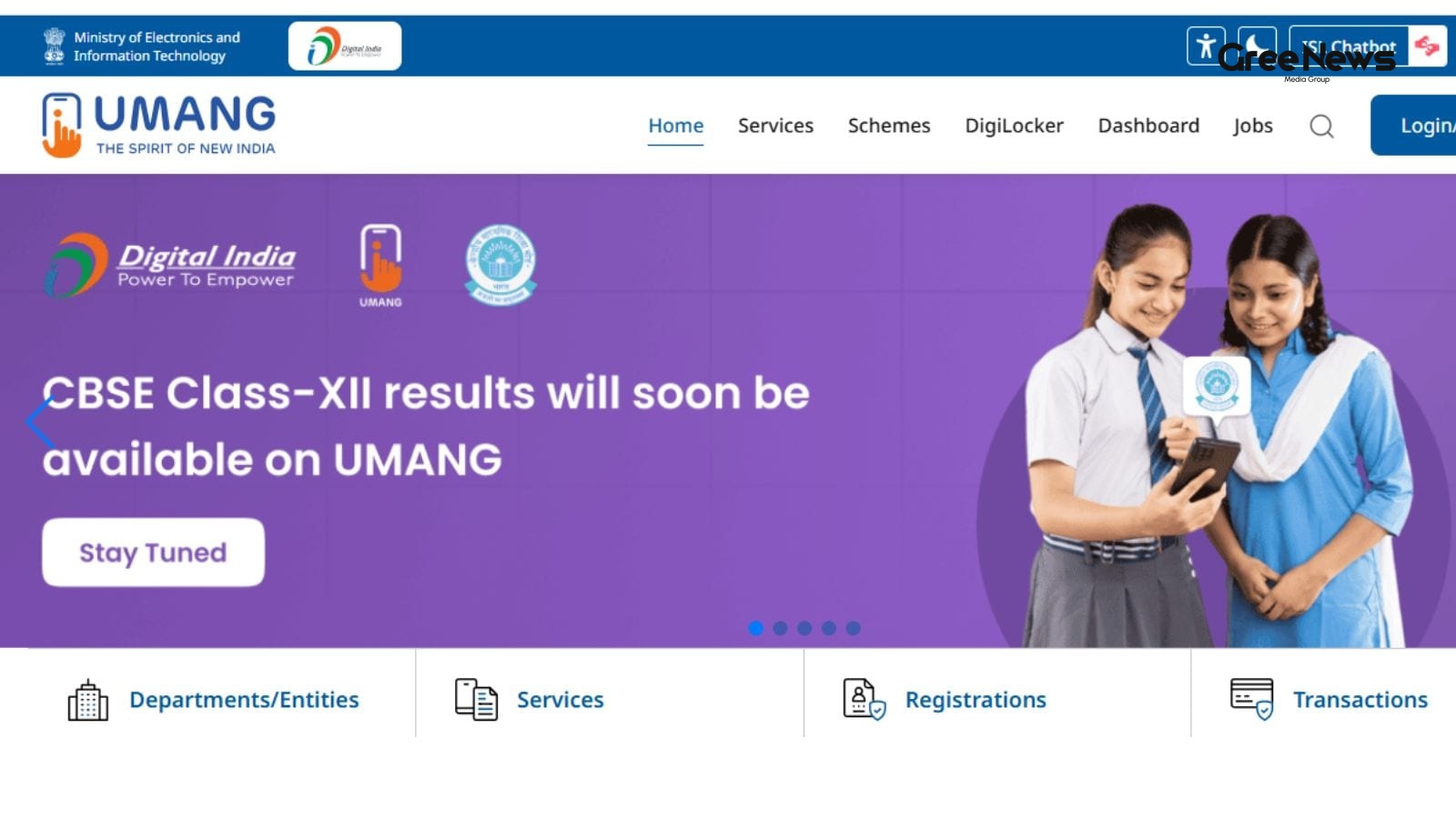
The buzz around the CBSE Class 12 results for 2026 is getting louder. People are waiting.
The Central Board of Secondary Education is expected to drop the results today, May 13th. Is it happening? DigiLocker is showing "coming soon." UMANG, meanwhile, just shrugged, saying, "The wait is over."
For the students who actually sat for the exam, the immediate advice is simple: keep those admit cards safe. They’ll need those details to actually pull up the marksheets . It’s the same story every year, right? The expectation is that the pass percentage will likely creep above 85%. We saw that pattern play out in 2025; 88.39% of those who took the test cleared it.
When are we actually going to see them?
The official word? Nothing concrete.
But you see that pattern repeating. The way things moved with the Class 10 results earlier this year—that was quick. DigiLocker status updated on April 14th, and the results were out by 4 PM on the 15th. That trend is being eyed for the 12th grade too.
CBSE hasn't given us a firm date or time yet. Just that sense of anticipation hanging in the air.
Where to look once the door opens
When that happens, where do you go?
The official portals are the places to check. results.cbse.nic.in. cbseresults.nic.in. And naturally, the main cbse.gov.in site.
And don't forget the apps. DigiLocker and UMANG. They’re supposed to be the direct route for the marksheets.
Trying the Digital Route: DigiLocker
This is one way. It involves a bit of clicking, but it’s supposed to be seamless.
- First, you jump onto digilocker.gov.in or just open the app.
- Then you log in. Use your mobile number or Aadhaar. That OTP pinging your phone? Easy enough.
- Once inside, you have to navigate. Find the "Issued Documents" section. Then you hunt for CBSE. Select the board.
- Next, you pick the document. Class 12 Marksheet.
- Then the roll number. All those other bits they ask for.
- And boom. Your marksheet should appear. You can download it right there.
UMANG Access
There’s another path too. Using the UMANG app. It’s supposed to be even quicker, maybe.
- You open the app. Search for the CBSE results section.
- You feed in your roll number. And then you need the school number and the admit card ID.
- Submit. And hopefully, the result pops up instantly. Download it. Save it for later.
It’s all about getting those documents out there. The waiting game is exhausting, isn't it?
Written by Gree News Team — Senior Editorial Board
Gree News Team covers international news and global affairs at Gree News. Our collective of senior editors is dedicated to providing independent, accurate, and responsible journalism for a global audience.
More from Education
View All
Kerala Board Plus One Results 2026 Announcement and Checking Methods
The Kerala Board Plus One results for 2026 are finally coming today, June 10th. That’s when the Directorate of Higher Secondary Education will officially announce everything. Students who took the DHSE Kerala Class 11 exams in 2026 can start checking their scores now. You have a few places to look,
Jun 10, 2026 by Gree News Team
Scribe Support for PwD/PwBD Candidates in NEET (UG) 2026 Exam
The National Testing Agency, right? They just kicked off the online portal for those who need scribe support Persons with Disabilities (PwD) and Persons with Benchmark Disabilities (PwBD) candidates for the upcoming NEET (UG) 2026 exam. It’s all about submitting scribe details. There was a window op
Jun 10, 2026 by Gree News Team
CTET 2026 Application Guide: Eligibility, Timeline, and Fees
The CTET 2026 application window is closing fast, and things are getting really specific about how people can even get in the door. You need to know the timeline right now. They opened applications on May 11th, but listen up the deadline is tomorrow. June 10th, 2026, at 11:59 PM. That’s it. If you m
Jun 9, 2026 by Gree News Team

Salary Hikes in Corporate India: Trends and Sectoral Growth
So, we’re looking at salary hikes coming up for corporate India. TeamLease Services put out some numbers on this, and it seems things are swinging between eight point six and ten point two percent for the financial year 2026 to 27. That kind of movement is driven by people just needing skilled folks
Jun 9, 2026 by Gree News Team
Latest Headlines
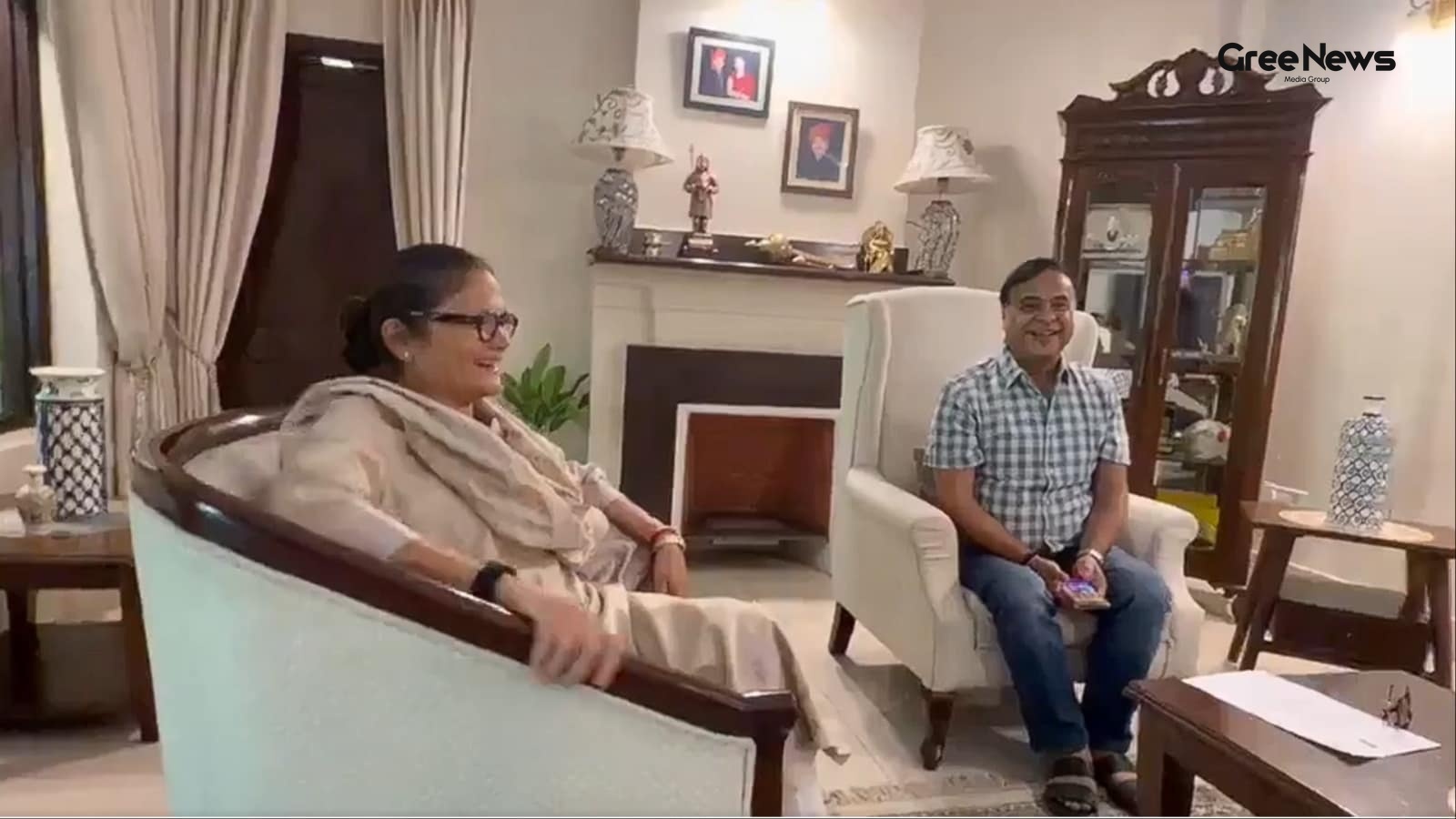
Political Speculation and Internal Turmoil within the TMC
Fresh visuals surfaced of Sushmita Dev meeting Assam Chief Minister Himanta Biswa Sarma. That kind of thing just kicks the speculation into high gear about her next move. It’s all about her potential entry into the BJP, right? This happened right after she stepped down from Rajya Sabha and walked ou
Jun 10, 2026 by Gree News Team

FIFA World Cup 2026: Structure, Geography, and the Official Match Ball
The FIFA World Cup 2026 is really starting to feel imminent now. It’s heading toward North America the USA, Mexico, and Canada are slated to host this massive global spectacle. People are talking about it constantly. It’s not just a standard tournament anymore. This time around, they’re throwing way
Jun 10, 2026 by Gree News Team

Lionel Messi and Argentina's World Cup Journey in Group J
Argentina’s taking on Group J in this new setup USA, Mexico, and Canada it feels like more than just football now. It’s about that farewell, isn't it? Lionel Messi is chasing something special right now, playing out this final chapter with the Albiceleste against Algeria, Austria, and Jordan. There’
Jun 10, 2026 by Gree News Team
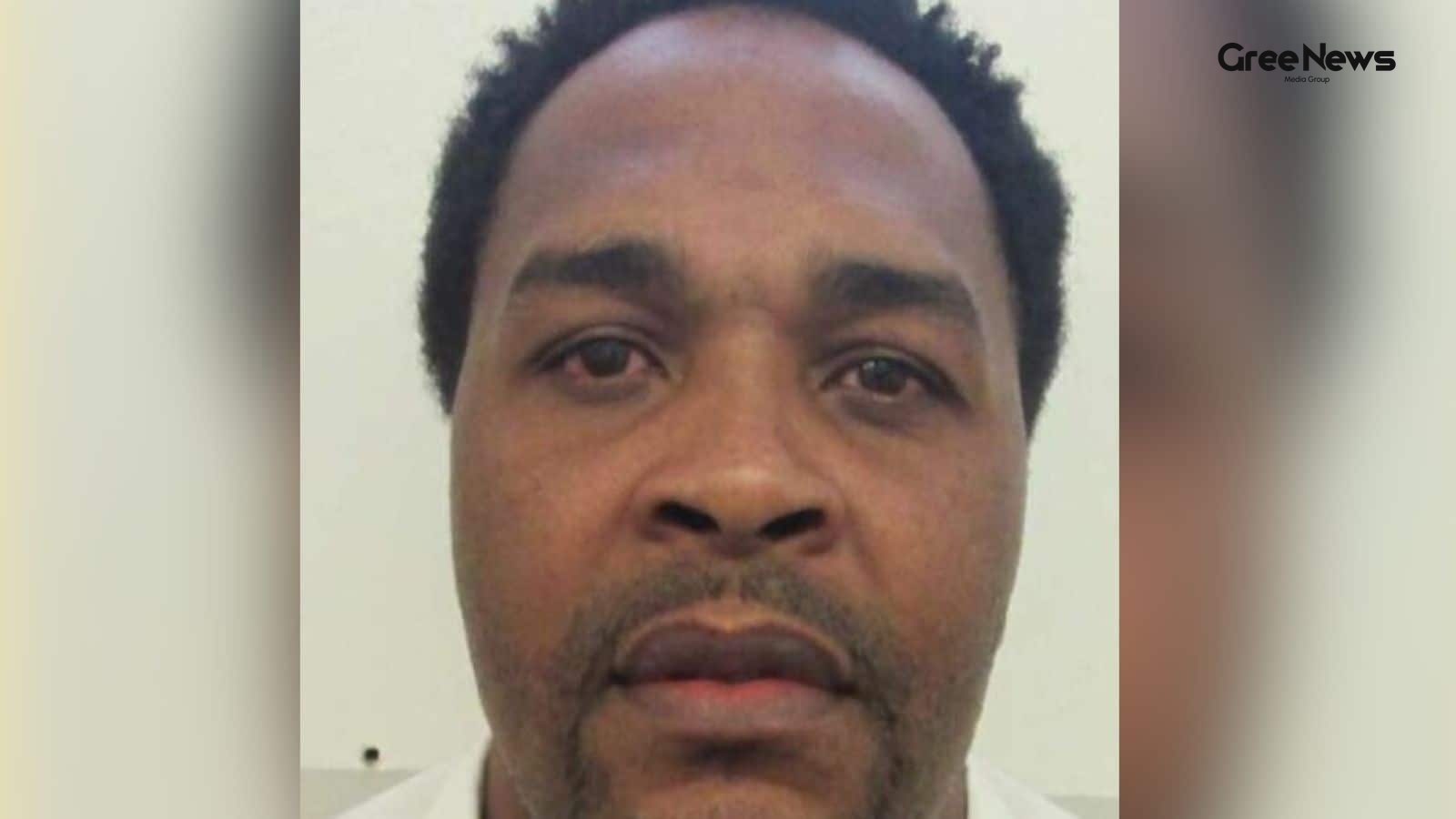
Federal Judge Bars Nitrogen Gas Execution in Alabama
A federal judge just slammed the door shut on Alabama’s plan to use nitrogen gas for executing Jeffery Lee. Permanently barred it, ruling the method violated basic constitutional rights about cruel and unusual punishment. This decision dropped like a stone. It came just one day after an appeals cour
Jun 10, 2026 by Gree News Team
Kerala Board Plus One Results 2026 Announcement and Checking Methods
The Kerala Board Plus One results for 2026 are finally coming today, June 10th. That’s when the Directorate of Higher Secondary Education will officially announce everything. Students who took the DHSE Kerala Class 11 exams in 2026 can start checking their scores now. You have a few places to look,
Jun 10, 2026 by Gree News Team
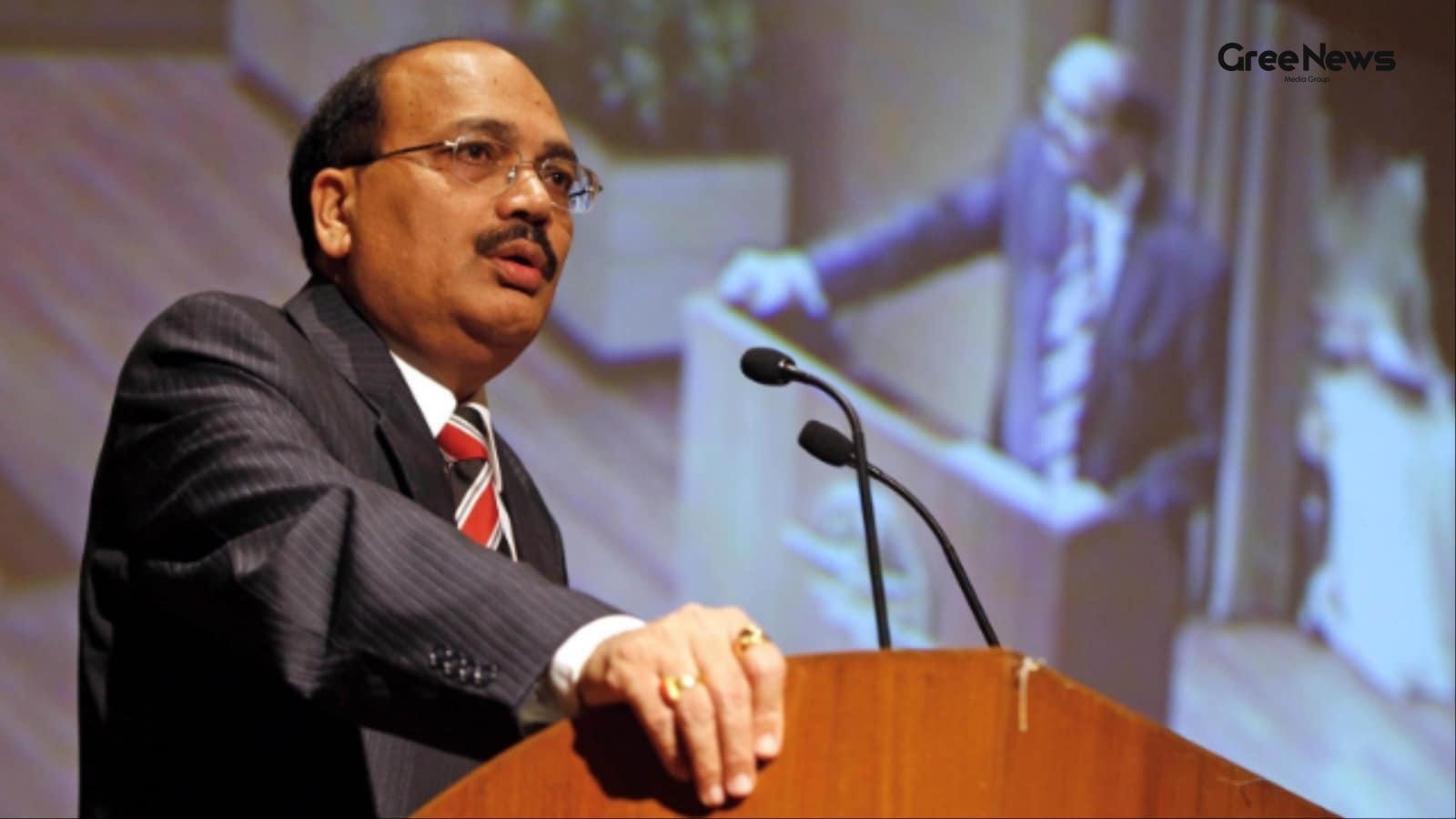
Threats and Intimidation Against Former Judge Justice Gautam Patel
Chief Justice Surya Kant stepped in on the matter involving threats and intimidation aimed at former Bombay High Court judge Justice Gautam Patel. This happened while he was visiting the UK, raising the issue with India’s High Commissioner there. It came out of a report by The Times of India. The wh
Jun 10, 2026 by Gree News Team

Intersection of Art, Politics, and Public Morality at Film Screening
The buzz around the screening for ‘Bharat Bhhagya Viddhaata’ was definitely something special that Tuesday evening in Delhi. It wasn't just about watching a movie; it felt like a convergence a mix of film fans, some political heavyweights, and a surprising amount of high-level government presence. P
Jun 10, 2026 by Gree News Team
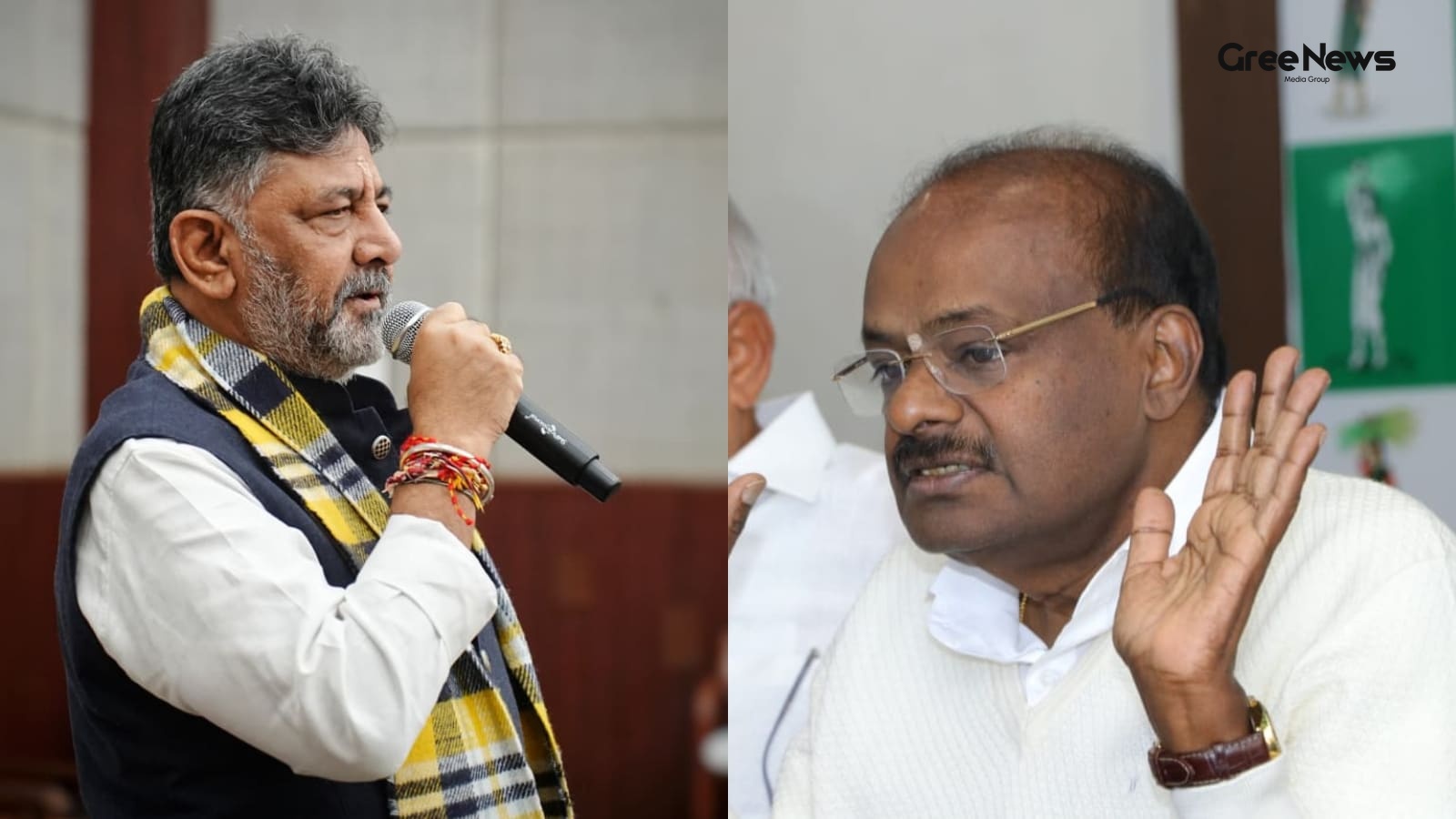
The Political Feud: Shivakumar vs. Kumaraswamy and the Vokkaliga Rivalry
A meeting that hasn't even happened is already sparking political sparring. Karnataka Chief Minister DK Shivakumar and Union Minister HD Kumaraswamy. It just underlines how bitter one of the state’s longest-running rivalries still is. Shivakumar was doing some outreach, a carefully choreographed exe
Jun 10, 2026 by Gree News Team

Protest and Political Standoff in Mexico City Before the World Cup
A protest choked off an avenue leading right to Mexico City’s Azteca Stadium for hours on Tuesday. It was just days before that massive World Cup opening match. As football fans started flooding in, all those co-hosts the US, Canada, and Mexico you see the real mess happening back home. Thousands of
Jun 10, 2026 by Gree News Team
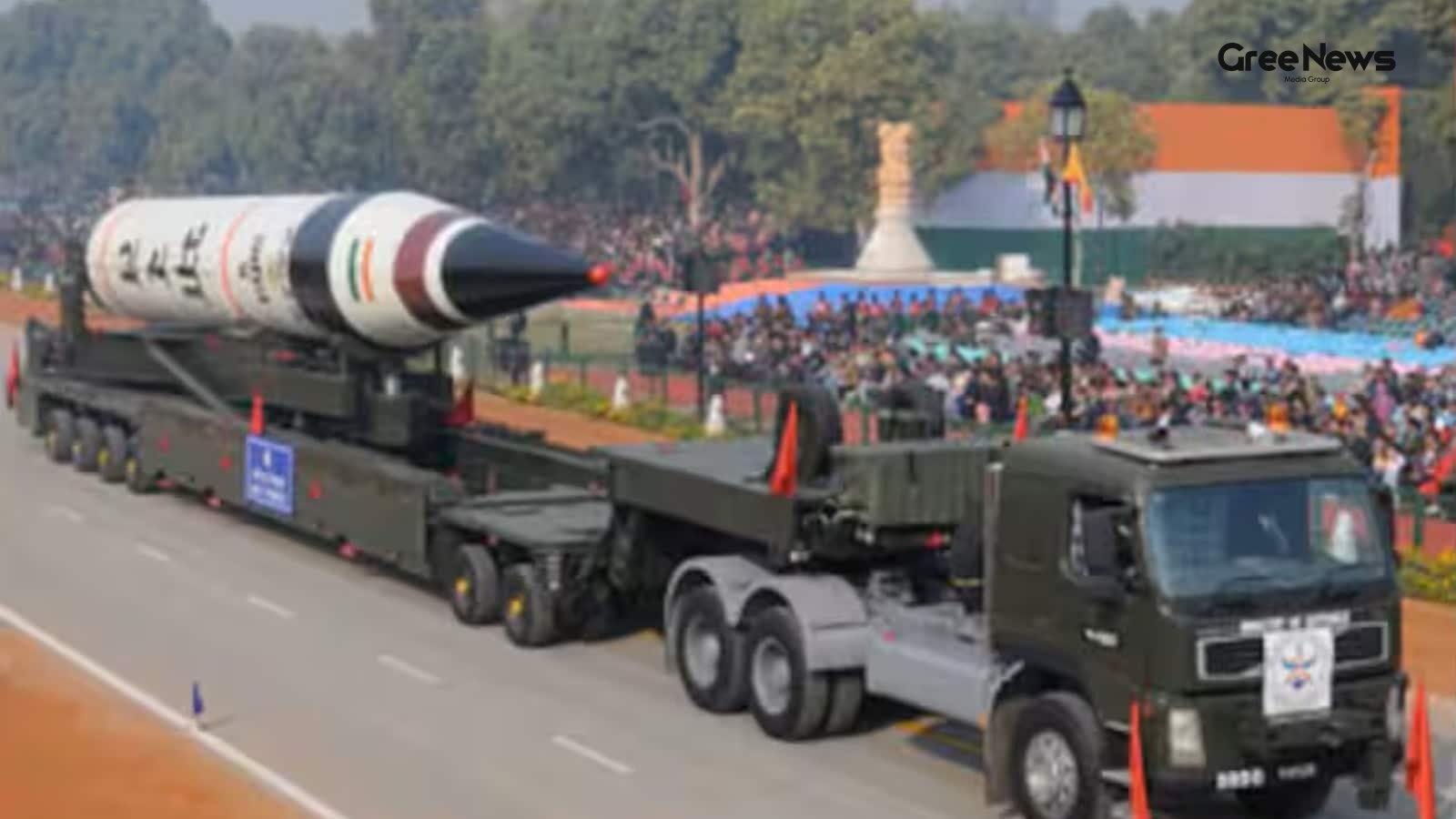
The Global Nuclear Arms Race: Spending, Capabilities, and Future Risks
Nearly eight decades since Hiroshima and Nagasaki. And the world’s nuclear powers aren't slowing down. They keep spending more, modernizing faster, and experts are watching them move weapons out of storage and into potential use. It’s a real arms race happening right now. The nine states that hold n
Jun 10, 2026 by Gree News Team
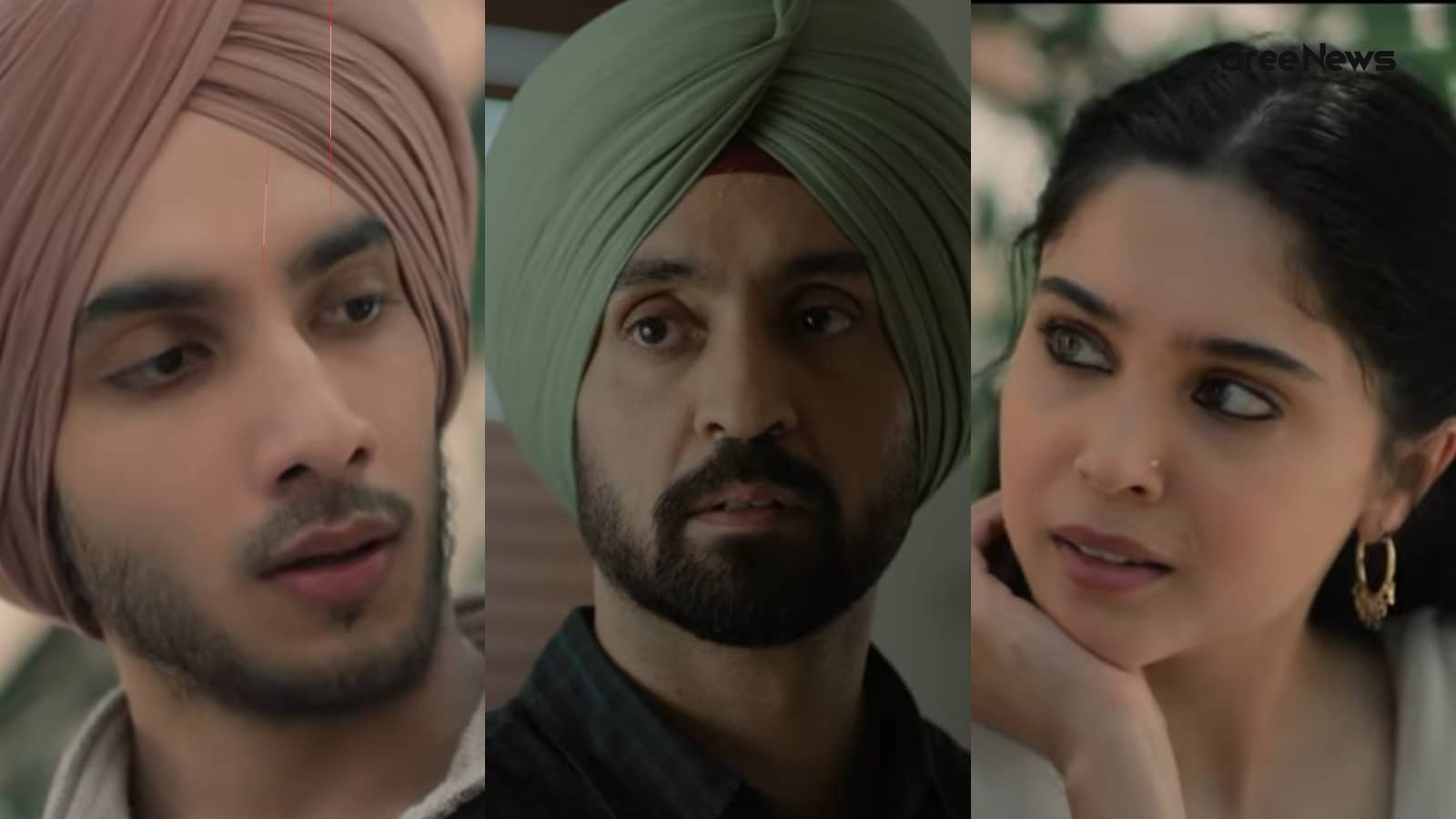
The Chaos of Cinema: Volume, Competition, and the Shifting Market
The Friday arrived packed. June 12th. It wasn't just another day; it was a collision of cinema. Nine films, all hitting the screens at once. *Main Vaapas Aaunga*, Imtiaz Ali’s directorial effort. Then you had Kangana Ranaut’s *Bharat Bhhagya Vidhaata*. And the horror mixed in Vikram Bhatt’s *Haunted
Jun 10, 2026 by Gree News Team

Stock Market Updates: June 10th Performance and Sector Analysis
Stock market updates today, June 10th. Everything turned sour in late trading Wednesday. Domestic equity markets basically gave up all those gains they managed to hold during the day. Heavy selling hit midcap, smallcap stocks, plus metals, realty, and financial names dragging the main indices into n
Jun 10, 2026 by Gree News Team

Iran Football Team Travel and World Cup Arrangements
Iran’s football team is heading to Los Angeles, apparently. They announced Tuesday that they'll be flying there the day before their first group-stage game against New Zealand. It feels like a lot happening all at once. But where exactly will they be staying? They won't actually be in L.A. for long.
Jun 10, 2026 by Gree News Team

The Impact of Gen AI on Job Applications and Hiring Strategies
When you start looking for a job, everyone builds this whole structure: the résumé, that killer cover letter, tailoring it perfectly. The whole point was always that application could make you jump out from the crowd of hundreds of applicants. But honestly? Recruiters are starting to think that play
Jun 10, 2026 by Gree News Team
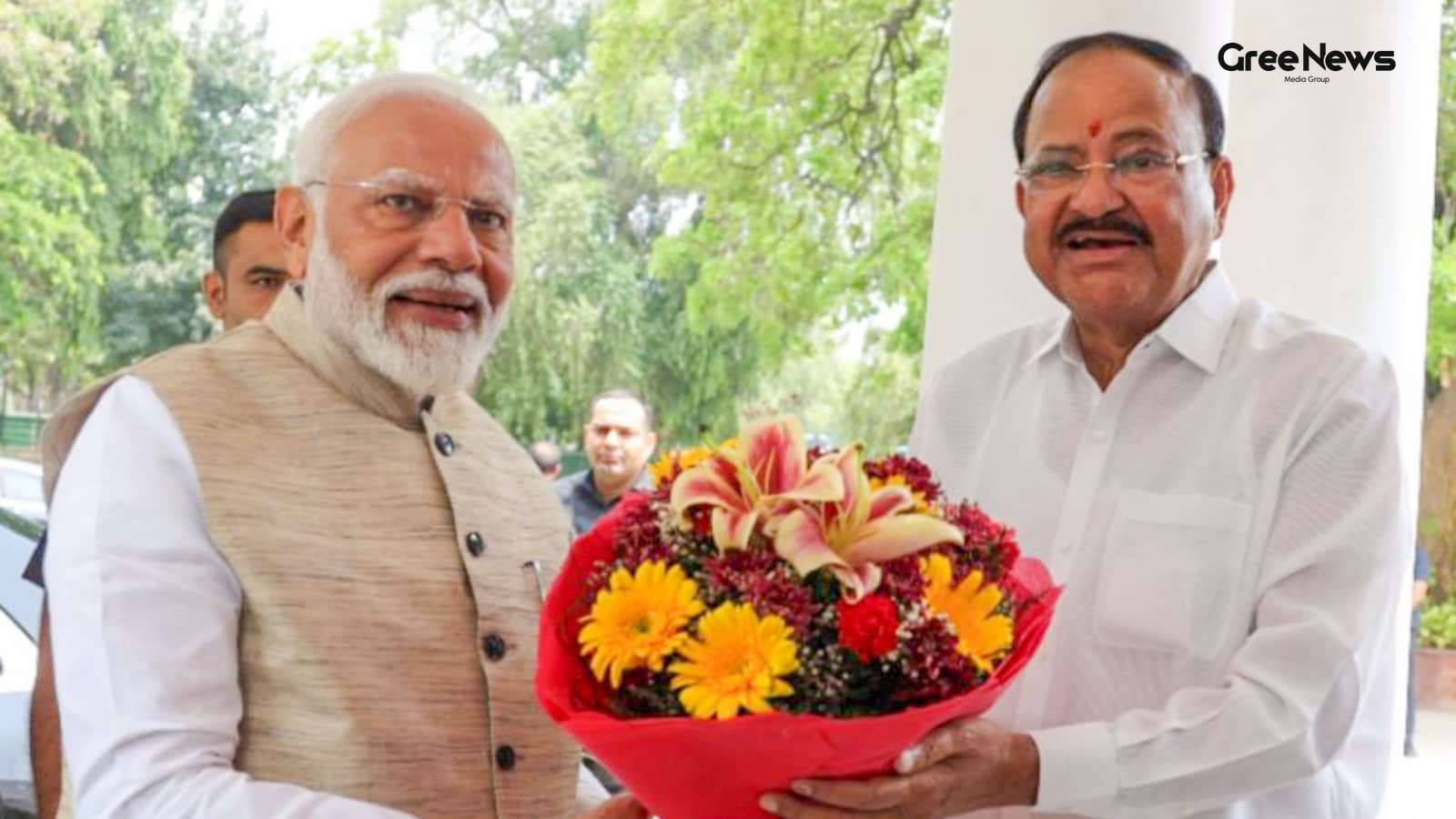
Narendra Modi's Milestone: India's Longest-Serving Prime Minister
Narendra Modi just hit a huge milestone. India’s longest-serving elected Prime Minister. Forty-three hundred ninety-nine days in office now. That beats Nehru's record, which was the first one. Former Vice President Venkaiah Naidu spoke about it. He praised the leadership and everything Modi has done
Jun 10, 2026 by Gree News Team