Best Extension Boards and Surge Protection for Modern Gadgets
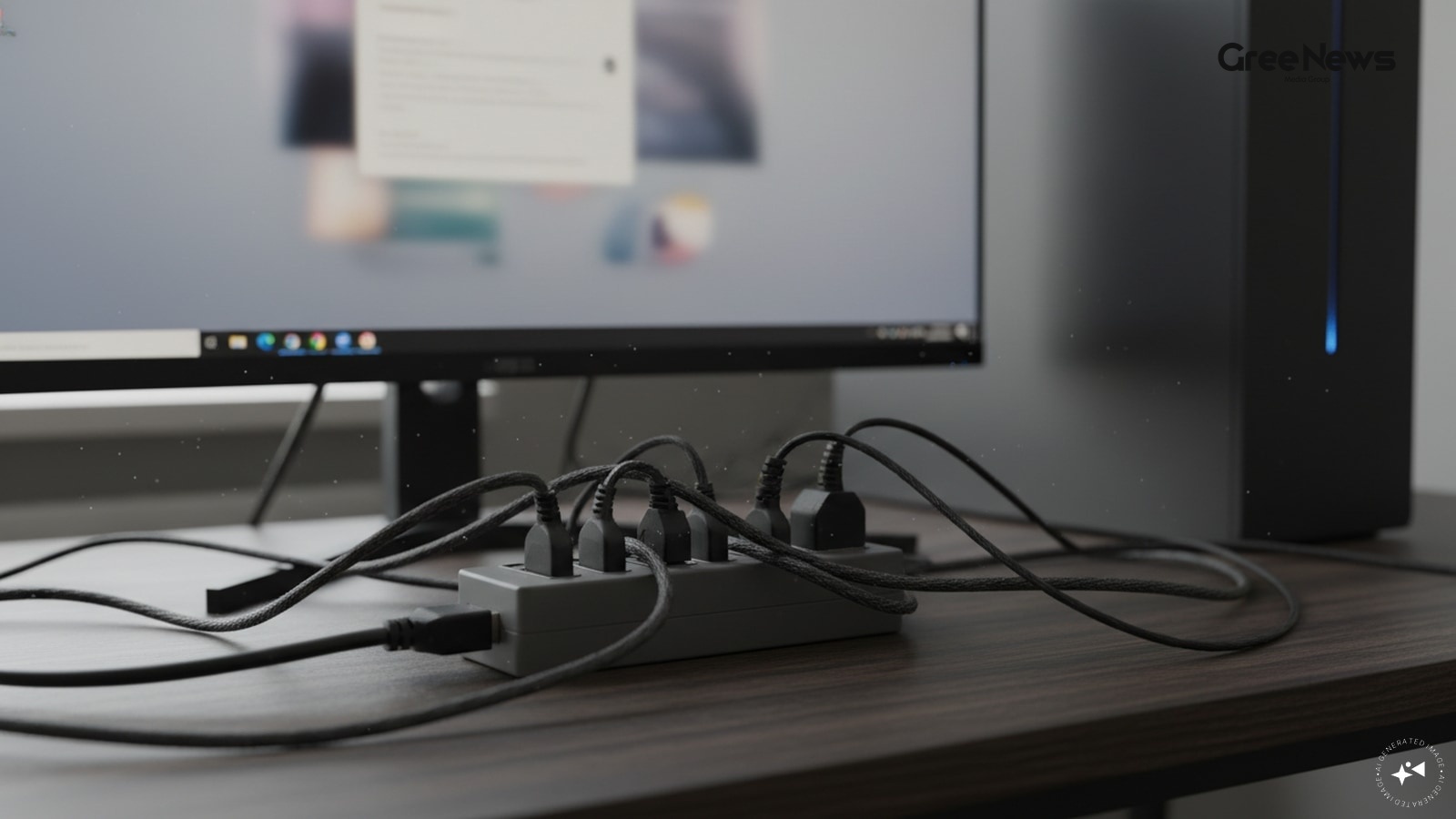
Man. Everyone’s got these things now. Laptops everywhere. Phones glued to hands. Smart gadgets taking over every corner of the house, right?
And with all that digital clutter laptops, TVs, routers, those smart home bits the need for a decent extension board just skyrockets. It’s not just about plugging things in anymore; it’s about keeping everything safe from those nasty voltage spikes and fluctuations. A good cord isn't just an extra outlet, you know? It’s protection. Real protection.
So where do you even start looking? There are options out there, and honestly, they range wildly. You could be hunting for something super compact for your desk setup, or maybe a heavy-duty surge protector for the main entertainment center. And here’s the thing: you don't need to spend a fortune for this stuff. We looked at seven of the most talked-about options right now that actually seem worth the hunt for under a thousand rupees.
Here are the ones we dug into. Keep reading, because it gets messy fast.
Quick Picks
Just trying to give you the snapshot without the usual corporate fluff.
- Best overall? The Honeywell four-outlet board is floating up there. It just seems to hit the sweet spot.
- Safety first? That goes to the D-Link stuff. You want that peace of mind when you’re powering things.
- Budget heavy hitters? Anchor by Panasonic , always there for the cheap side of things.
- For serious spikes? Havells is doing the heavy lifting on surge protection.
- If you have a ton of gadgets running multiple devices needing power simultaneously Portronics Power Plate Pro 4-in-1 seems to be the ticket. A bit of flexibility there.
- Protecting that expensive gear? Belkin steps up here with their three-socket board. That feels like a serious safeguard for monitors and gaming rigs.
- And finally, just good everyday utility for your home or office? The standard Honeywell extension board still holds its ground. It’s practical.
The Breakdown
Let’s actually look at what these things are doing, because the marketing gloss hides some real trade-offs.
Honeywell four-outlet board
Take that Honeywell four-outlet board first. It’s marketed as the best overall deal, and I get that appeal. It packs in international sockets four of them, which is handy plus those USB-A and Type-C ports. Six built-in safety features? That sounds good on paper. And it comes with a two-meter cable. That length seems pretty practical for most desks or small entertainment setups.
But then you look at the reality. It’s slightly larger than some of the absolute bare-bones boards. And those USB outputs, while nice, aren't screaming "ultra-fast charging" for every single device you throw at it. You just get what you get. Still, under a thousand rupees? That price drop from nearly three thousand down to barely eight hundred that’s aggressive. Seventy-four percent off! It makes sense, if you’re looking for versatility and basic safety bundled together.
D-Link Universal Socket Power Strip
Now shift gears to safety, which is where things get serious. The D-Link Universal Socket Power Strip pops up as the champion here. It's not about fancy ports; it's pure defense. Smart fuse technology? Overload protection built right in? And the whole body is flame-retardant construction? That’s heavy stuff when you think about electrical safety.
It protects you from the big hits. Child-safe design, too. It handles the power flow with some real smarts inside it. The downside? People aren't talking much about it. User reviews are sparse compared to those older brands. And yeah, it’s a bit bulkier than trying to squeeze something tiny in there. But if you’re worried sick about actual electrical hazards especially if kids are around or you have sensitive equipment this is where you lean.
Anchor by Panasonic board
Then there's the Anchor by Panasonic board. This one hits you right in the wallet, which is always a huge plus for everyday needs. It’s reliable because it’s Panasonic. You get that trusted brand name. Compact size? Yes. LED indicator? Standard fare. The catch here is obvious: only two sockets. That immediately limits how much you can expand things with. If you need more than two spots, this one just won't cut it. It’s perfect for a student setting or maybe just powering a couple of lamps and chargers in your study area. Simple, effective, but limited scope.
Havells surge protection
Moving on to surge protection specifically, Havells steps up the game. The 4 Way board is designed to handle those sudden jolts. It gives you four universal sockets, which means versatility again. And crucially, it has built-in surge and spike protection. ISI-certified copper wiring? Check. LED indicator? Yes. But look at what’s missing compared to others: no USB charging ports. Just pure hardware defense against electrical mayhem. Still, for powering big items like TVs or heavy office gear, that basic safety layer is non-negotiable.
Portronics Power Plate Pro 4-in-1
The Portronics Power Plate Pro 4-in-1 enters the chat as the multi-device manager. This one focuses on control over power distribution. Four universal sockets are there, yes, but what really sets it apart is the individual switches for each socket. That ability to manage exactly which devices are drawing power when you need it? It’s convenient. Less wasted energy. Plus those child safety shutters are a nice touch if you have smaller hands around the setup. You get flexibility in arrangement and control. The trade-off, though, is that same lack of built-in USB charging capability we saw elsewhere. It's about power management more than convenience charging.
Belkin three-socket board
Now for the premium protection route: Belkin ’s three-socket board. This one screams quality assurance. They aren't just slapping on a basic strip; they are focusing on heavy-duty cable and serious internal safeguards. Surge protection, overload protection these aren't afterthoughts here. And that five-year manufacturer warranty? That’s something you can actually rely on when dealing with expensive electronics. It feels like an investment protecting the gear itself, not just the wires. The limitation is obvious: only three sockets. For a serious gaming setup or a large TV system, you might find yourself needing more slots. But if you are safeguarding monitors and high-end peripherals, this level of protection matters deeply.
Versatile Honeywell board
And finally, we circle back to that versatile Honeywell board, specifically the one aimed at home offices and workstations. It’s got those international sockets, the USB charging ports Type-C and USB-A the pure copper wiring. It’s designed for utility. It handles the daily grind of powering laptops, phones, and office peripherals without fuss. BIS certification means it meets some standards. The consensus here is that it offers the best blend: usability mixed with modern connectivity features, all while maintaining a solid safety baseline. Fewer sockets than the others? Maybe. But those ports the ability to charge right there at your desk that’s a real game changer for setup tidiness.
We really have to talk about what you're actually buying here. It’s not just plugging things in, it’s managing risk. Safety has to be the absolute front line. You need that surge protection talking about. Overload protection is crucial that feature automatically shutting down power before something catastrophic happens. That’s why Belkin and D-Link feel like they have an edge there, even if their reviews are quieter than the big names.
And remember this: safety isn't just a feature you tick off a list. It’s about understanding what those voltage spikes do to your delicate internal components. You need materials that don't catch fire. Copper wiring matters. Don't connect things especially high-draw appliances like heaters or microwaves unless the board is explicitly rated for that load. Otherwise, you are just inviting trouble.
The choice really boils down to what you’re protecting and how much space you have. Do you need maximum ports? Go with Portronics if power management via switches is your focus. Do you need absolute safety above all else? D-Link or Belkin might be the safer bet, even if they cost a little more upfront. Or maybe you just need cheap reliability? Anchor by Panasonic gets the job done for basic use.
It’s that nuanced. It’s not about which board is *perfect*. It's about which one fits your specific setup and your tolerance for risk. The quality of the cable, the robustness of the fuse system those are the silent stories in these comparisons. Don’t just look at the price drop; look at what those percentages actually represent when you think about protecting something you value. That’s where the real decision lies. It's all about anticipating that next power surge, isn't it? Always be ready for that possibility.
Written by Gree News Team — Senior Editorial Board
Gree News Team covers international news and global affairs at Gree News. Our collective of senior editors is dedicated to providing independent, accurate, and responsible journalism for a global audience.
More from Tech
View All
The Evolution of WhatsApp into a Business Agent Platform
WhatsApp isn’t just for family stuff anymore. It's really morphing into something more... business focused. And this latest push with the AI tools? It just cranks that up even further. They brought in a separate Meta Business Agent Platform specifically for the huge enterprises. Plus these new ways
Jul 10, 2026 by Gree News Team
Netflix's Shift to Short-Form Content and Publisher Partnerships
Netflix built itself around that binge thing. That’s the whole identity. But now, it seems to be quietly admitting something that just the binge model? It’s not enough anymore. They’re testing something new. Borrowing straight from the web playbook. They were already playing around with live stuff,
Jul 10, 2026 by Gree News Team
Apple Stops Signing Older iOS Versions for Legacy Devices
You know, if you’ve been fiddling around with an old iPhone or iPad maybe just holding onto it for nostalgia, maybe because it still functions fine there’s something you should actually know about this happening now. Apple has quietly started pulling back, stopping the signing of several older iOS v
Jul 10, 2026 by Gree News Team
Dell Pro Precision Business Laptops Launched in India
Dell just dropped the new Pro Precision business laptops in India this week. It’s a mix of Intel and AMD power, hitting up to 16-inch screens. They really revamped things here. Pro and Plus series got an overhaul. And they even brought back the XPS line something they strangely decided to kill befor
Jul 10, 2026 by Gree News Team
Latest Headlines

Explosions and Denials Across Southern Iran
Explosions happened across southern Iran. Near Bushehr, right by that nuclear facility, according to Iranian media reports from Thursday, July 9th. People were worried about what was going on. But then you have the denial. The United States said they weren't involved. And Tehran hasn't pinned any bl
Jul 10, 2026 by Gree News Team
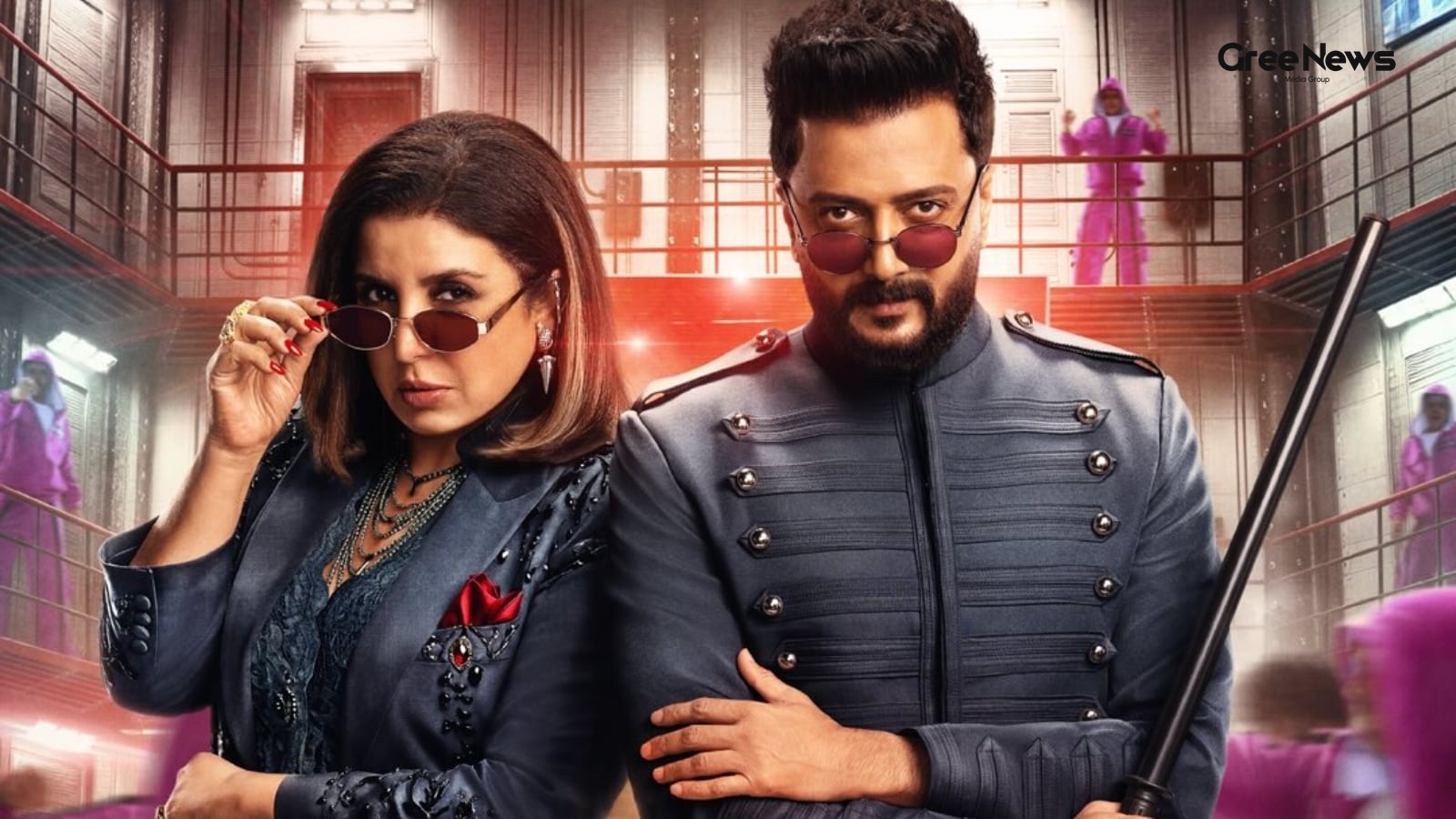
Lock Upp: The Cost of Hosting and Celebrity Drama
The second season of *Lock Upp* really grabbed attention, right? Not just because of the contestants or all the drama swirling around. It’s also about who they brought in to host it: Farah Khan and Riteish Deshmukh. People are raving about them, obviously. But how much cash are these stars actually
Jul 10, 2026 by Gree News Team
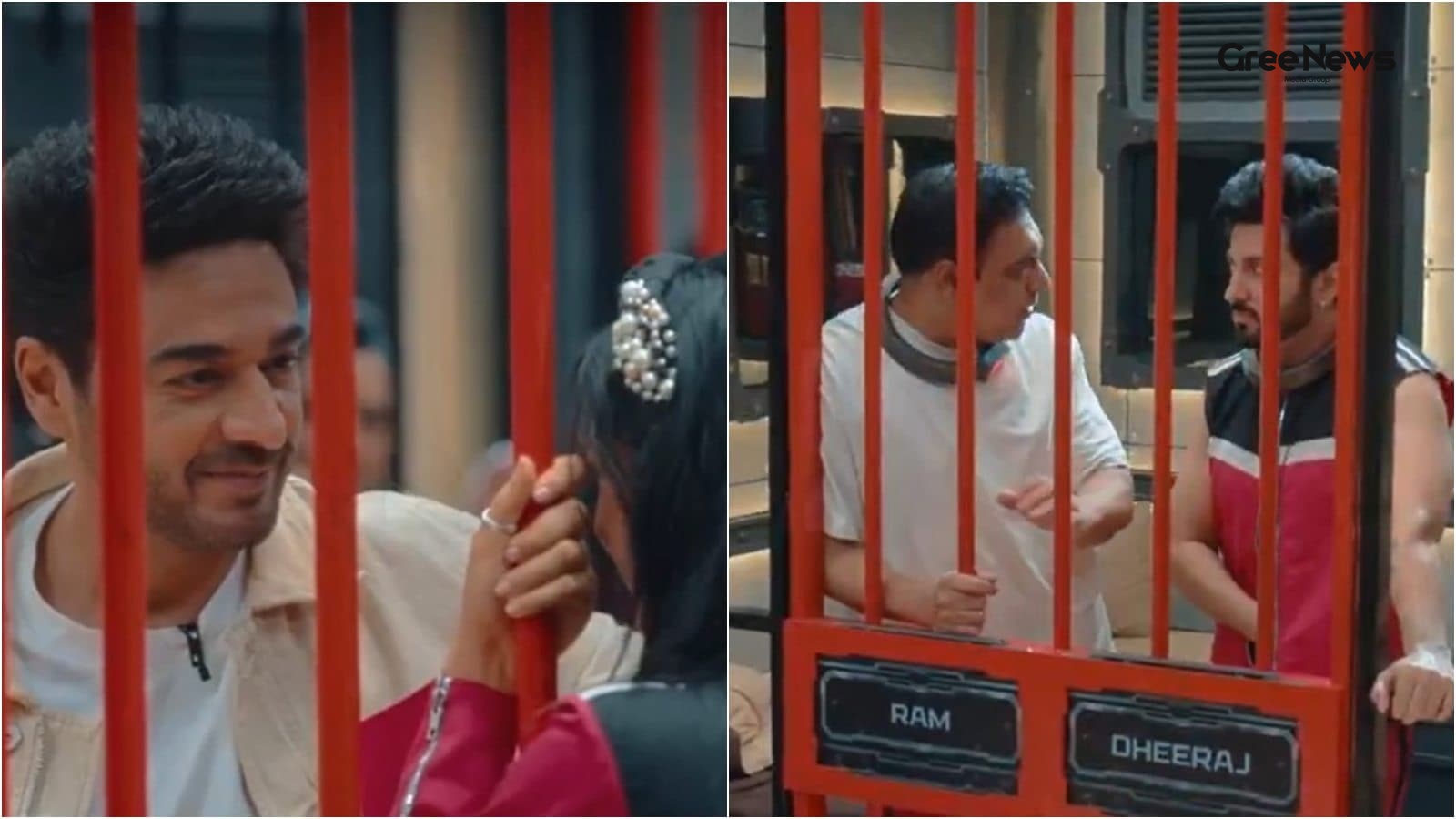
Gaurav Khanna, Akanksha, and the Public Drama
Gaurav Khanna. Yeah, the guy who snagged that Bigg Boss 19 trophy back in '25. He was there now, making this starry appearance on Lock Upp 2. It wasn’t just a casual visit, though. There was something heavier going on. He showed up mostly to back his wife, Akanksha Chamola. She had dropped the bomb
Jul 10, 2026 by Gree News Team

Tyler Robinson Accused of Shooting Charlie Kirk
Tyler Robinson, the guy accused of shooting Charlie Kirk, actually cried before his roommate. He told him he just wished he hadn't done it. That happened the day after the fatal shooting at Utah Valley University. Now things are moving into court. A preliminary hearing kicked off in a Utah courtroom
Jul 10, 2026 by Gree News Team
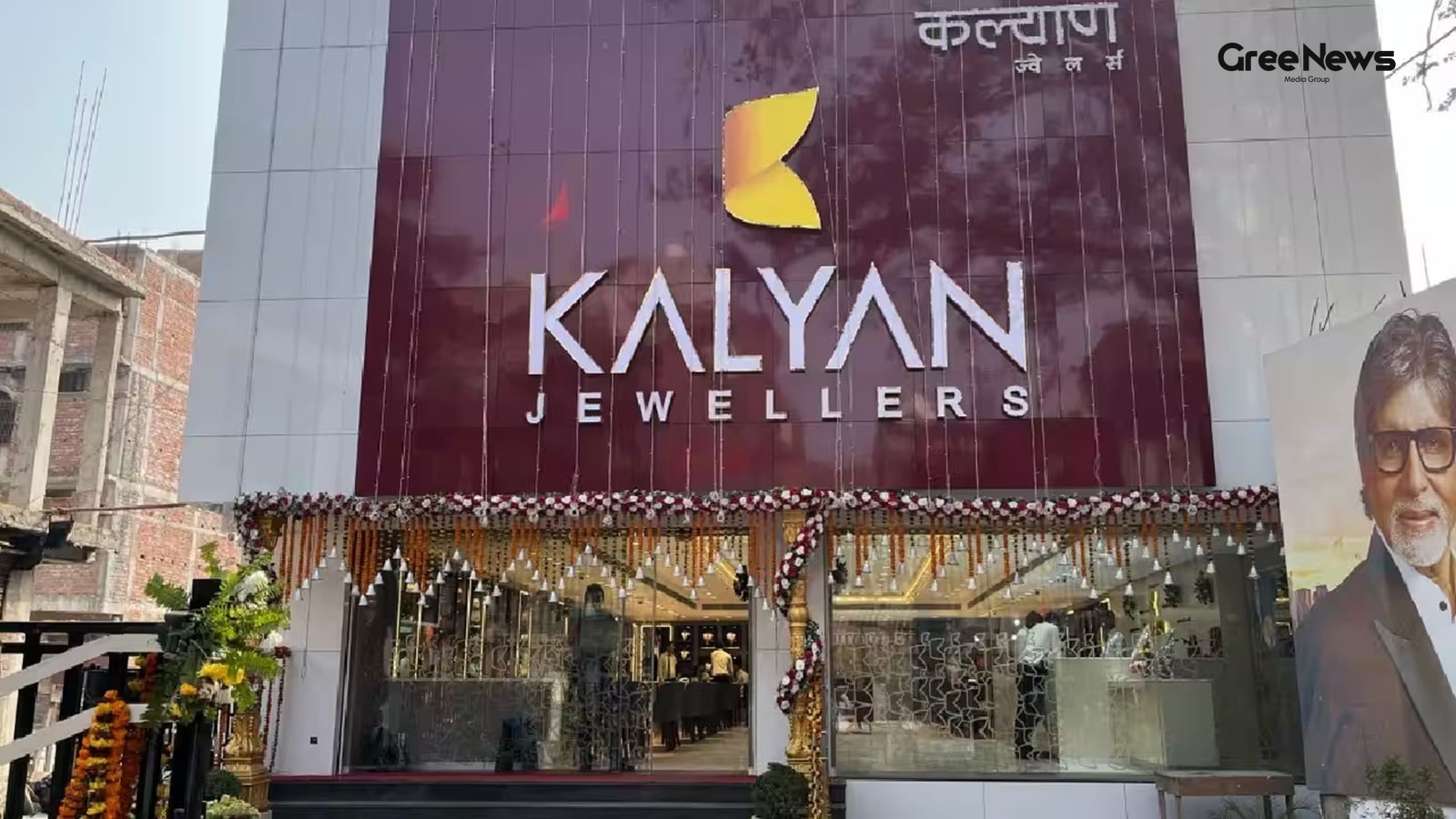
Kalyan Jewellers Stock Performance and Growth Analysis
Kalyan Jewellers shares jumped up Friday, July 10th. It rallied hard, hitting 7.2% and trading near Rs 475 in the opening session. That’s a big move. The stock has clawed back most of its losses for the year already. It's down just 2.1% this year, compared to that Nifty 50 dip which was a 7.5% slide
Jul 10, 2026 by Gree News Team

Mamata Banerjee's Accusations and Political Fallout with the BJP
Mamata Banerjee threw some serious accusations at the BJP. She claimed they were specifically targeting party leaders. Think Abhishek Banerjee, Mahua Moitra, Kalyan Banerjee. She basically told them that if they wanted to keep her quiet, they’d have to kill her. That kind of threat hangs heavy. This
Jul 10, 2026 by Gree News Team
NIA Investigation Against Shabir Ahmad Shah and Separatist Leaders
The National Investigation Agency, or NIA, is moving forward. They are setting up to file a chargesheet against Shabir Ahmad Shah. This man is a prominent Kashmiri separatist leader. The case itself stretches back nearly thirty years. It deals with mob violence and attacks on police personnel in Sri
Jul 10, 2026 by Gree News Team

Kushal Tandon's History and Recent Spotlight
Kushal Tandon. He’s back in the spotlight again. This time because of some stuff Shreya Kalra dropped on *Lock Upp 2*. It just keeps pulling attention back to his history with Shivangi Joshi. Long before anything else, he had talked about being in love with her. Shared where they saw things going. T
Jul 10, 2026 by Gree News Team
Maharashtra Education Policy Rollout and Skill-Based Learning Initiatives
The National Education Policy just rolled out across the country, and people are talking about it. It pushes for learning in the mother tongue and skill-based stuff, that’s what Maharashtra Higher and Technical Education Minister Chandrakant Patil said in the Legislative Assembly on Thursday. He was
Jul 10, 2026 by Gree News Team

Sonam Raghuvanshi: Innocence Claim and Bail in Murder Case Before Supreme Court
Sonam Raghuvanshi, the one accused in the alleged murder of her husband Raja during their honeymoon in Meghalaya, is claiming innocence now before the Supreme Court. She basically argued she was framed. In an affidavit filed there, she pushed back against the Meghalaya government’s request to cancel
Jul 10, 2026 by Gree News Team
The Evolution of WhatsApp into a Business Agent Platform
WhatsApp isn’t just for family stuff anymore. It's really morphing into something more... business focused. And this latest push with the AI tools? It just cranks that up even further. They brought in a separate Meta Business Agent Platform specifically for the huge enterprises. Plus these new ways
Jul 10, 2026 by Gree News Team

Aryan Khan Mobbed: Drama and Bollywood Debut
Aryan Khan was mobbed. It happened Thursday night after he attended Raghav Juyal’s birthday celebration in Mumbai. A video surfaced online of the whole thing, and honestly, it just left people really concerned about how things were playing out. The clip shows Shah Rukh Khan’s son trying to move towa
Jul 10, 2026 by Gree News Team

JD Vance on the H-1B Visa Program Crackdown
JD Vance, the Vice President, just said the Trump administration is stepping up the action on the H-1B visa program. It’s all about stopping what they call abuse, stressing that it should be attracting real talent scientists, doctors, tech people not some kind of foreign fraud. He talked about the H
Jul 10, 2026 by Gree News Team
Netflix's Shift to Short-Form Content and Publisher Partnerships
Netflix built itself around that binge thing. That’s the whole identity. But now, it seems to be quietly admitting something that just the binge model? It’s not enough anymore. They’re testing something new. Borrowing straight from the web playbook. They were already playing around with live stuff,
Jul 10, 2026 by Gree News Team

Indian IT Sector Jumps on Strong Earnings and AI Growth
Shares in Indian IT companies jumped up sharply Friday. It was an early trade, and TCS, Infosys, HCLTech, Wipro, and Tech Mahindra were all leading the charge. The Nifty IT index actually pushed over three percent, making it the top performer on the NSE that day. The BSE Sensex followed suit. Those
Jul 10, 2026 by Gree News Team