The Complete Guide to Smart Home Automation: Plugs, Lights, Sensors, and Fans
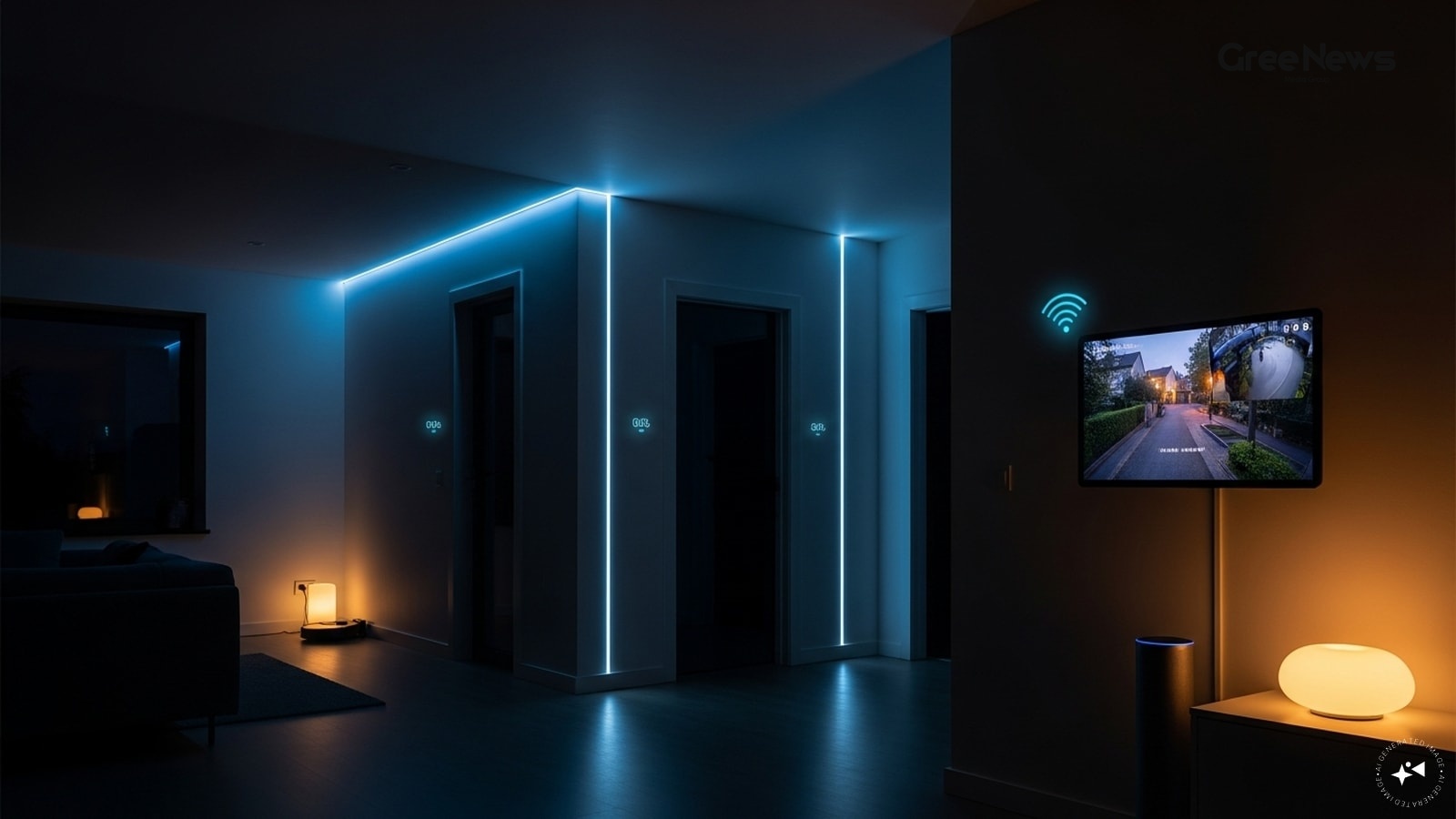
A few years back, smart home stuff felt way too expensive, complicated. But now? You can just automate lights, control appliances from your phone. Get alerts when the door opens. Cut down electricity without emptying your wallet. It’s all there now.
The real snag is how people start. They buy gadgets first, not problems.
You see this everywhere. People grab smart bulbs because they look cool. Smart plugs because they’re cheap. Then those sensors Aqara door and window things because they sound futuristic. A few months later? Half the gear just sits there unused. Why bother?
You need to start with what you actually want to fix.
Do you really want remote control over your appliances? Save electricity? Make the house safer? Automate the lights? Figure that out first. Then picking devices is way simpler.
For most folks, smart plugs are the easiest entry point. They solve the most immediate problems. Every device handles a different thing. Think of them this way: smart plugs are the foundation. Lights are the convenience upgrade. Sensors? That’s the automation layer on top.
If you’re just curious about smart homes but don't want to rip out all your existing appliances, start with the plug. Simple stuff. A smart plug just sits between your wall socket and whatever you need to control. Connected it does. You manage it through an app or voice assistant.
That means you can actually: turn on a geyser before you get home. Schedule a water pump for when you need it. Switch off forgotten appliances remotely. Keep an eye on power use. Automate lamps and fans, too.
What should you plug things into? Geysers. Lamps. Water pumps. Coffee makers. Air coolers. Decorative lighting.
But don't expect them to handle heavy loads or complex controls. That’s not their job.
Typical budget for plugs? Six hundred rupees to two thousand five hundred.
Look at the options out there. You have things like the Tapo P110 Smart Wi-Fi Plug. It was nearly two thousand seven hundred, now it’s around nine hundred fifty. Or check out the Philips Smart Plug. Was almost three thousand, now under eight hundred. Simple automation and remote control without massive spending.
Then there's the Wipro 16A Smart Plug. That one handles heavier appliances geysers, air coolers better than most of these budget options. It used to be two thousand two hundred, now it’s around nine hundred eighty-five. A bit more upfront, but you get better performance when you really need it.
Now let's talk lights. They are often the first thing people notice in a smart setup. You can schedule them. Adjust brightness. Make scenes. Use Alexa or Google Assistant to control everything. Some even offer RGB colors and mood lighting. People chase the colours, but honestly, the real win is convenience. Imagine your bedroom lights gently waking up in the morning, or outdoor lights kicking on automatically at sunset.
What lights are best? Living rooms. Bedrooms. Home offices. Balconies. Entertainment spots.
Don't expect them to work if you leave the bulbs physically switched off. And be real about your Wi-Fi. A smart home is only as good as your internet connection. If the signal is weak, everything gets frustrating fast.
The budget for lights? Five hundred to three thousand five hundred per bulb. You have options like the Wipro Garnet 9W Smart LED Bulb, which was nearly a thousand, now it’s under five hundred eighty-two. Or the Philips Wiz range. They offer better app control and scenes than some of the cheaper competitors.
Then there are light strips. Like the Tapo Smart Light Strip. These aren't just about changing color; they wrap around TVs, desks they give you ambient mood lighting. Millions of colors available. Easy to use with voice commands. A nice way to add atmosphere instantly. Was nearly three thousand, now closer to two thousand.
Now sensors. This is where things actually become smart homes. They don't control anything directly. They collect data and trigger actions based on what’s happening. A motion sensor turns lights on when someone walks in. A door sensor alerts you if a door opens. Some can even watch for leaks or temperature changes. This is how it gets genuinely useful, not just convenient window dressing.
What kinds of sensors are popular? Home security. Automatic lighting. Watching kids’ rooms. Vacation alerts. Energy saving routines.
They aren't good at direct appliance control. They also struggle if your Wi-Fi is spotty. And don’t expect them to be plug-and-play magic for everyone. Budget here runs from eight hundred to four thousand rupees for a decent setup.
For security, the Aqara Door and Window Sensor T1 is a solid choice. It alerts you when an opening happens. That sensor cost four thousand three hundred fifty rupees. And then there’s the Sonoff Motion Sensor. Great for triggering routines automatically when movement happens in hallways or bathrooms.
If you want to track the environment, check out the SwitchBot Meter Plus. It monitors temperature and humidity. It helps automate fans or ACs while giving you actual insights into what’s happening in the room. Price around three thousand ninety-three rupees.
So, which one is best? The overall winner for a smart plug? Still the Tapo P110. Best for heavy appliances? That's the Wipro 16A model. For lights? Philips Wiz seems to offer more depth than the budget options.
For sensors? Aqara for security awareness, Sonoff for motion automation, and SwitchBot if climate tracking is your main focus.
When you look at all these brands they advertise everything from voice assistants to complex routines. It sounds impressive on paper. But most of that just sits there. You need a reliable app. Voice assistant support is good. Scheduling works. Stable connection is key. Warranty matters too. Those are the essentials.
Don't get sucked into buying everything at once. That’s the biggest trap. People buy several smart devices without knowing how they connect. You end up with multiple apps, overlapping features, and gadgets you never touch. Start small. One plug. One bulb. See what actually works for you .
And seriously, don't ignore compatibility. Before you spend a dime, check if it talks to Alexa or Google Home. Mixing incompatible gear just makes the automation messier than it needs to be.
Features like millions of color combos? They look flashy in setup. But they rarely get used later on. Real value is in solid scheduling and reliable remote control.
And connectivity matters. A smart home relies on good Wi-Fi. If your signal is weak in a room, the device will just sit there, useless. You can often still run basic functions if the internet cuts out, but all that remote stuff? Needs the internet running.
Start with the basics: plug first. It’s practical. Lights next. Then sensors for deeper automation. You can assemble a useful setup for under five thousand rupees. More advanced routines come later.
If you're looking at fans this is a whole different ballgame. Are you replacing an old unit? Or just furnishing a room? Think about where it’s going. How many hours will it run daily? And what do you prioritize: powerful airflow, saving electricity, or quiet operation?
Ceiling fans are still the default for most houses. They cover everything. But they can't direct air exactly where you want it. You have to accept that trade-off. Be smart about sweep size don’t just grab the biggest one. Bigger isn't always better in a small room; sometimes twelve hundred millimeters is perfectly fine and safer.
Then there are BLDC fans. Brushless Direct Current means they use way less power than old motors. They save you money, especially if the fan runs for long stretches every day. But yeah, that comes with a higher initial price tag.
Pedestal fans give flexibility. You can move them to face your desk or sofa. Great for targeted airflow. Just watch out for stability and oscillation range when you buy these.
Wall-mounted fans are great for tight spaces kitchens, balconies. They save space but the coverage is usually limited compared to a ceiling unit. Make sure the mounting hardware is solid. Strong oscillation is vital here.
Table fans? Perfect for personal cooling. Direct airflow right where you sit. But they only cool you, not the whole room. Focus on quiet operation and adjustable angles if you go this route.
The biggest thing you notice when you turn a fan on isn't the speed setting. It’s the actual movement of air. That’s what matters for comfort. Don't just look at RPM figures. Look at how effectively it pushes air around. That sweep size? The diameter of the blades in motion dictates how well the air spreads out. Larger rooms need bigger sweeps. Smaller ones can manage fine with smaller models.
And noise. People ignore this until they hear it when the house is quiet at night and the fan is running for hours above your bed. A faint hum or rattle becomes impossible to ignore then. Motor quality and how solidly something is built really matter here.
So, what are you actually paying for? Strong air delivery. The right size for the space. Reliable motor performance. Good blade design. Solid build quality. Low noise levels. And a decent warranty. Those are the real essentials. Don't overspend chasing fancy smart features if the fundamentals are weak.
Written by Gree News Team — Senior Editorial Board
Gree News Team covers international news and global affairs at Gree News. Our collective of senior editors is dedicated to providing independent, accurate, and responsible journalism for a global audience.
More from Tech
View All
Buying Guides: AC Specifications and Immersive Sound Systems
Buying an air conditioner has gotten so much more complicated lately. You have to think about tonnage, inverter tech, efficiency ratings, ambient temps a whole list of things that might or might not matter for just living in a room. The good news is, only a handful of specs actually change how you c
Jun 11, 2026 by Gree News Team
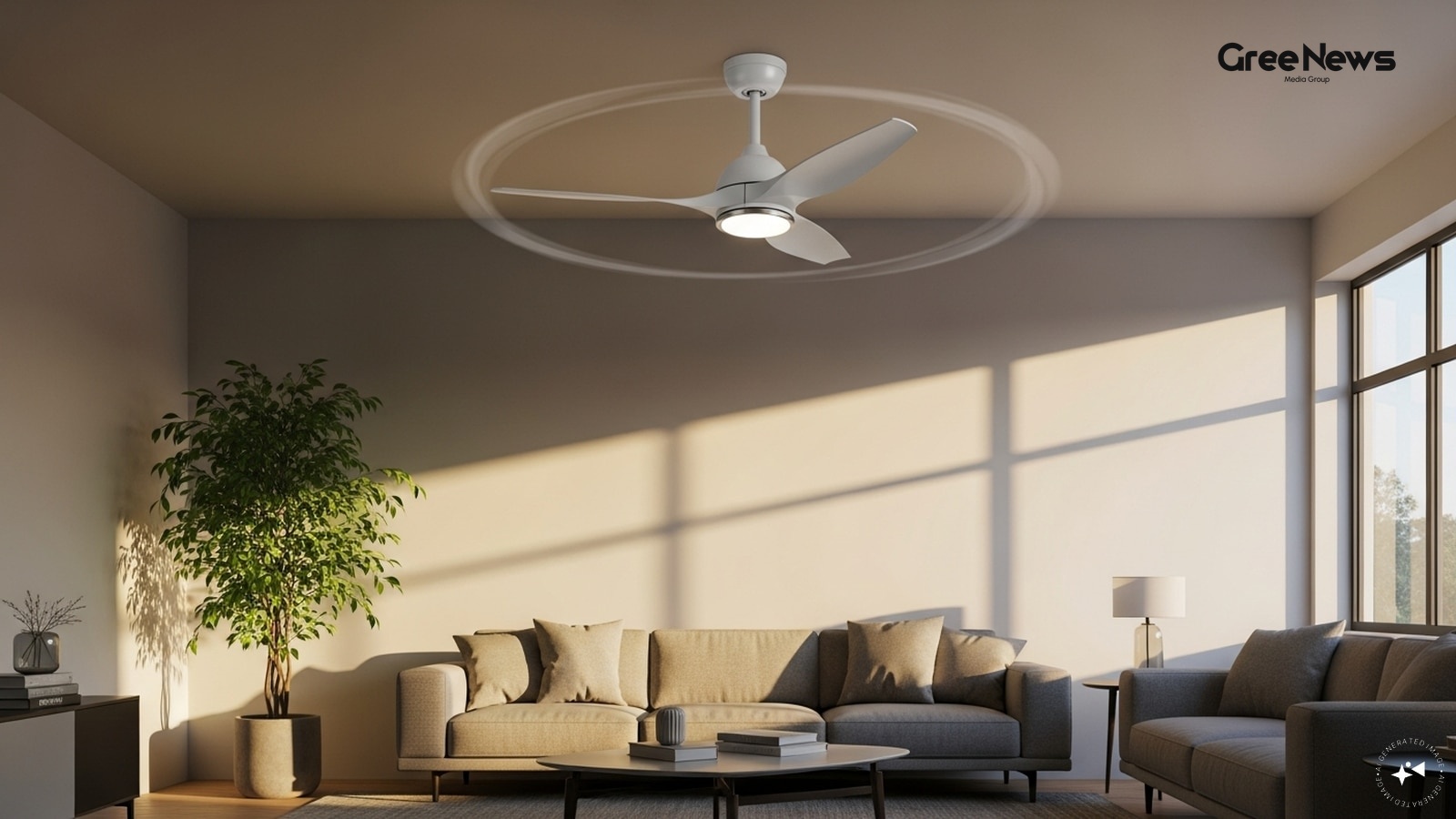
BLDC Ceiling Fans and Water Purifier Buying Guide
That ceiling fan thing. It’s one of those appliances that just runs almost every single day, you know? That immediately makes energy efficiency just as critical as how much air actually moves around. The good news is, you don't need to drop ten thousand rupees anymore just to get a decent BLDC fan w
Jun 9, 2026 by Gree News Team
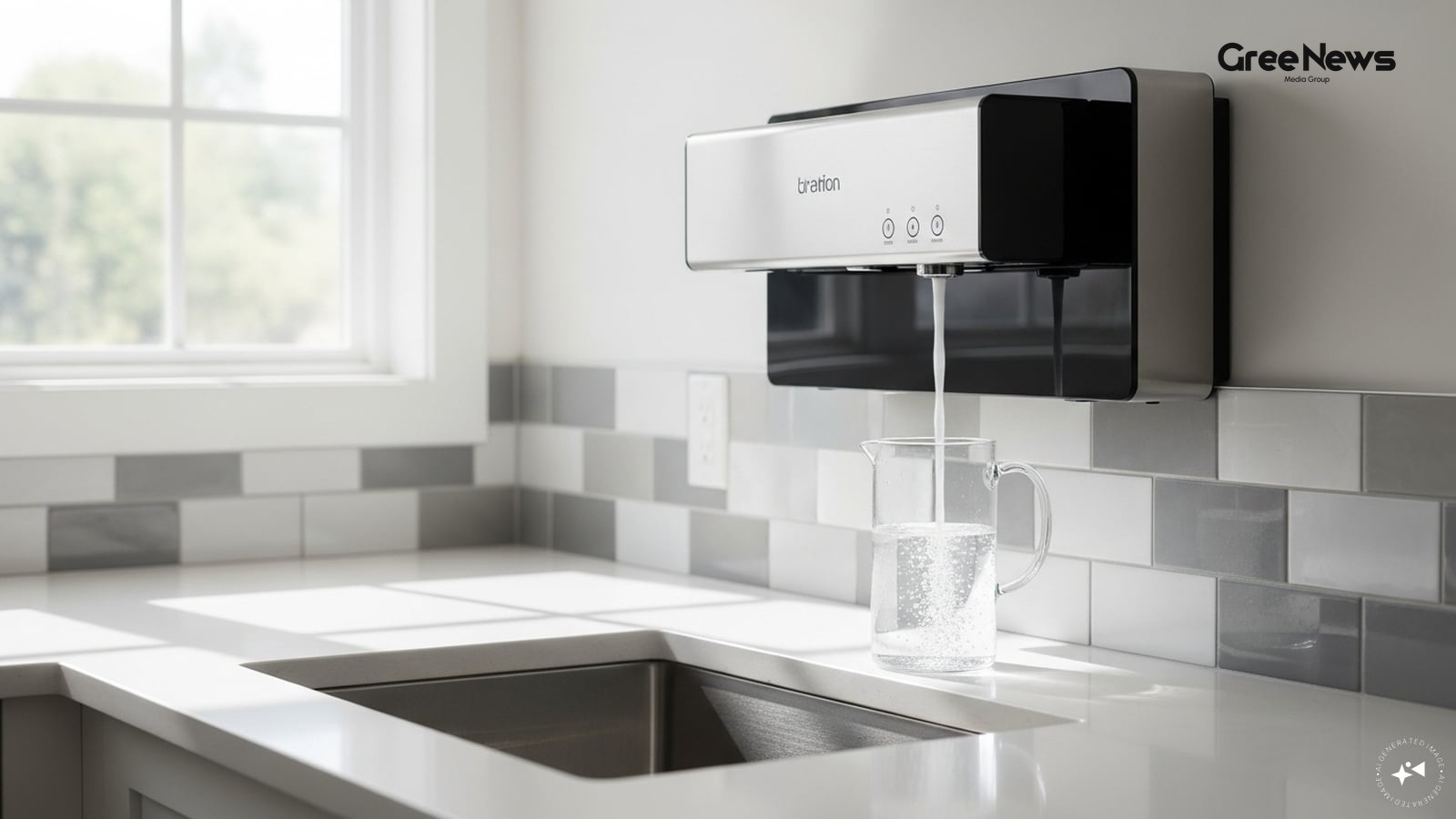
Water Purifier and Ceiling Fan Buying Guide
Buying a water purifier today is way more complicated than just picking a popular brand. It really depends on where your water comes from. If you’re dealing with borewell or tanker stuff, you usually need RO purification. But for folks using municipal water, they can often save money and ditch the h
Jun 9, 2026 by Gree News Team
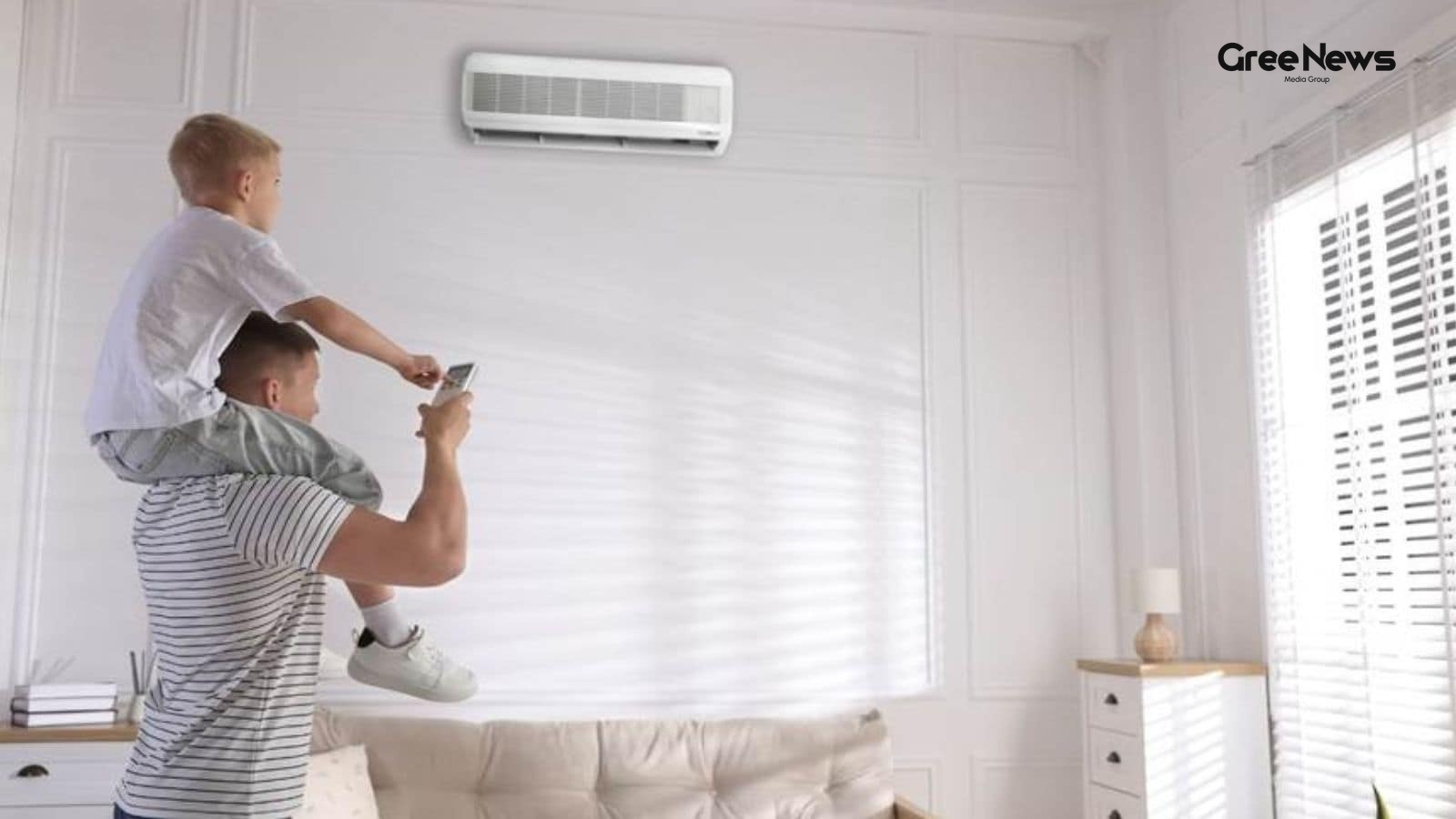
Inverter AC vs Fixed Speed: Which Technology Saves You Money?
You’re standing there in the showroom, looking at two air conditioners. They look almost the same, right? One costs thirty-nine thousand, the other forty-nine thousand. The salesperson points to the pricier one and says it saves electricity. Then someone online pops up saying inverter ACs are the on
Jun 9, 2026 by Gree News Team
Latest Headlines

Sachin Pilot's Restraint: Navigating Political Rivalry and Peace
Sachin Pilot took a different route on Wednesday. Instead of firing back at his political rivals, he chose restraint. He was addressing a huge gathering a *Kisan Sammelan* in Karauli and what came out felt less like an attack and more like a plea for peace. Differences between political colleagues?
Jun 11, 2026 by Gree News Team

TMC Crisis: Live Updates and Internal Political Developments
TMC Crisis Live Updates and Latest Developments You just have to watch this unfold. It’s not some neat timeline or perfectly ordered sequence of events, you know? The tension isn't just noise; it’s palpable. You can feel the strain from the top down, but it’s equally visible in the shuffling happeni
Jun 11, 2026 by Gree News Team

Belfast Wrecks and Civil Unrest: Fallout, Online Rhetoric, and Immigration Tensions
Belfast woke up Wednesday to the wreckage. Burnt cars, smashed shopfronts, charred remains of homes all left behind after the night before. It was just pure fire across the city following an arrest and stabbing that had left someone seriously hurt. The suspect ended up in Magistrates’ Court on Wedne
Jun 11, 2026 by Gree News Team

The Deepening Bond: Israel and India's Evolving Relationship
Netanyahu sent a message. A special one. To Modi. It wasn't just routine stuff. It was personal, framed as a friend speaking across borders. “Prime Minister Modi,” he wrote on X. “My dear friend in India.” That’s how it started. A congratulation for reaching twelve years in office. Longest serving e
Jun 11, 2026 by Gree News Team

West Bengal Political Volatility and the Rebel MPs
The situation in West Bengal is absolutely volatile right now. It’s not just some internal squabble; it’s a genuine political breaking point. Twenty rebel MPs have gone and approached Speaker Om Birla, trying to carve out their own parliamentary space. They claim allegiance to the BJP-led NDA. This
Jun 11, 2026 by Gree News Team

Escalation of Hostilities and Strikes Between US and Iran
The strikes are happening again. It’s getting worse. US Central Command, CENTCOM, just said they started “additional self-defense strikes” inside Iran. Trump ordered them. “The strikes are in response to Iran’s unwarranted and continued aggression,” that’s what they put out. It follows the earlier a
Jun 11, 2026 by Gree News Team
The Shifting Reality: Unseen Tensions and Underlying Shifts
The air felt thick today. You could almost taste the tension, you know? It’s always something shifting under the surface of these things. Things in the capital are moving slow. Really slow. But the pressure isn't slowing down. It just changes direction. We saw some chatter this morning. Nothing conc
Jun 11, 2026 by Gree News Team

Fallout of Allegations: Institutional Response and Legal Action in Medical Colleges
The whole situation is kind of messy. You have this high-level order coming down from Uttar Pradesh Governor Anandiben Patel, triggered by some really serious stuff allegations about religious conversion involving a doctor at KGMU, and someone’s daughter disappearing, linked to an SGPGI employee. An
Jun 11, 2026 by Gree News Team

Donald Trump on Secret Military Operation and Oil Transit through the Strait of Hormuz
Donald Trump talked about something Wednesday. He claimed his country moved over 100 million barrels of oil through the Strait of Hormuz. And he said it was all part of some secret military operation. The Strait itself, you know, that’s a really important spot for global oil transit. A choke point.
Jun 11, 2026 by Gree News Team

US-Iran Tensions, Nuclear Threats, and Regional Conflicts
The whole situation with the US and Iran is still boiling over. President Trump talked about it on Wednesday, local time. He insisted that America wants some kind of deal with Iran something meaningful, something effective. But even while pushing for this agreement, he kept signaling that the milita
Jun 11, 2026 by Gree News Team
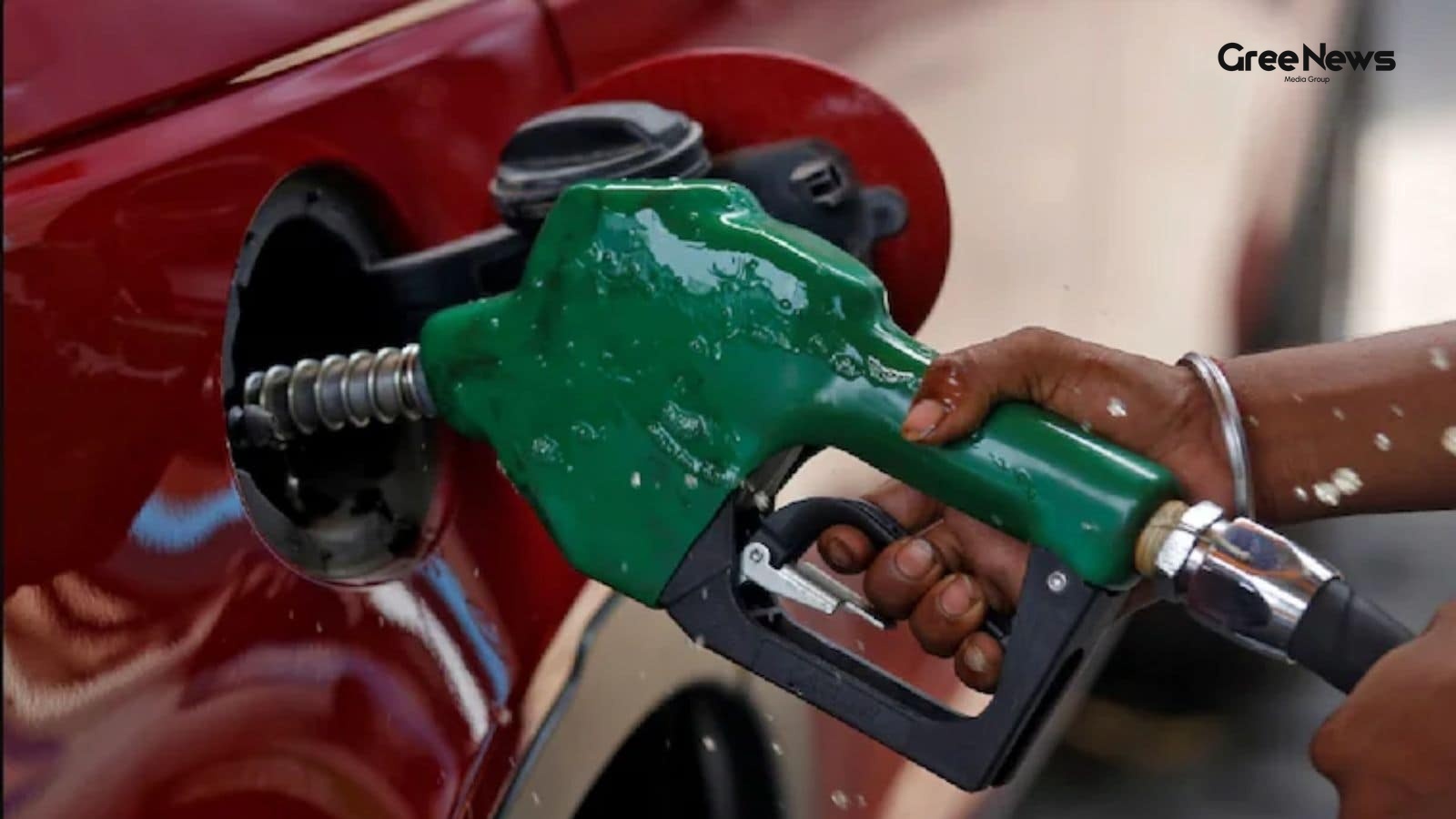
The Impact of Excise Duty Changes on Ethanol Blends and Global Energy Volatility
The finance ministry just dropped something. a notification, really. it wasn't some gentle update; it felt more like a sudden shift in the air, you know? suddenly these numbers, E22, E25, E27, and E30 they weren’t just labels on a spreadsheet anymore. they were suddenly real things hitting the road.
Jun 11, 2026 by Gree News Team

Teen Hacker Exposes Flaws in Education Portal, Joins Cybersecurity Team at IIT Kanpur
Most job seekers deal with resumes and cover emails. For nineteen-year-old Nisarga Adhikary, it was something different entirely: a blog post exposing holes in the Central Board of Secondary Education’s on-screen marking portal. That post dropped on May 22nd. It caught some serious attention. Manind
Jun 11, 2026 by Gree News Team
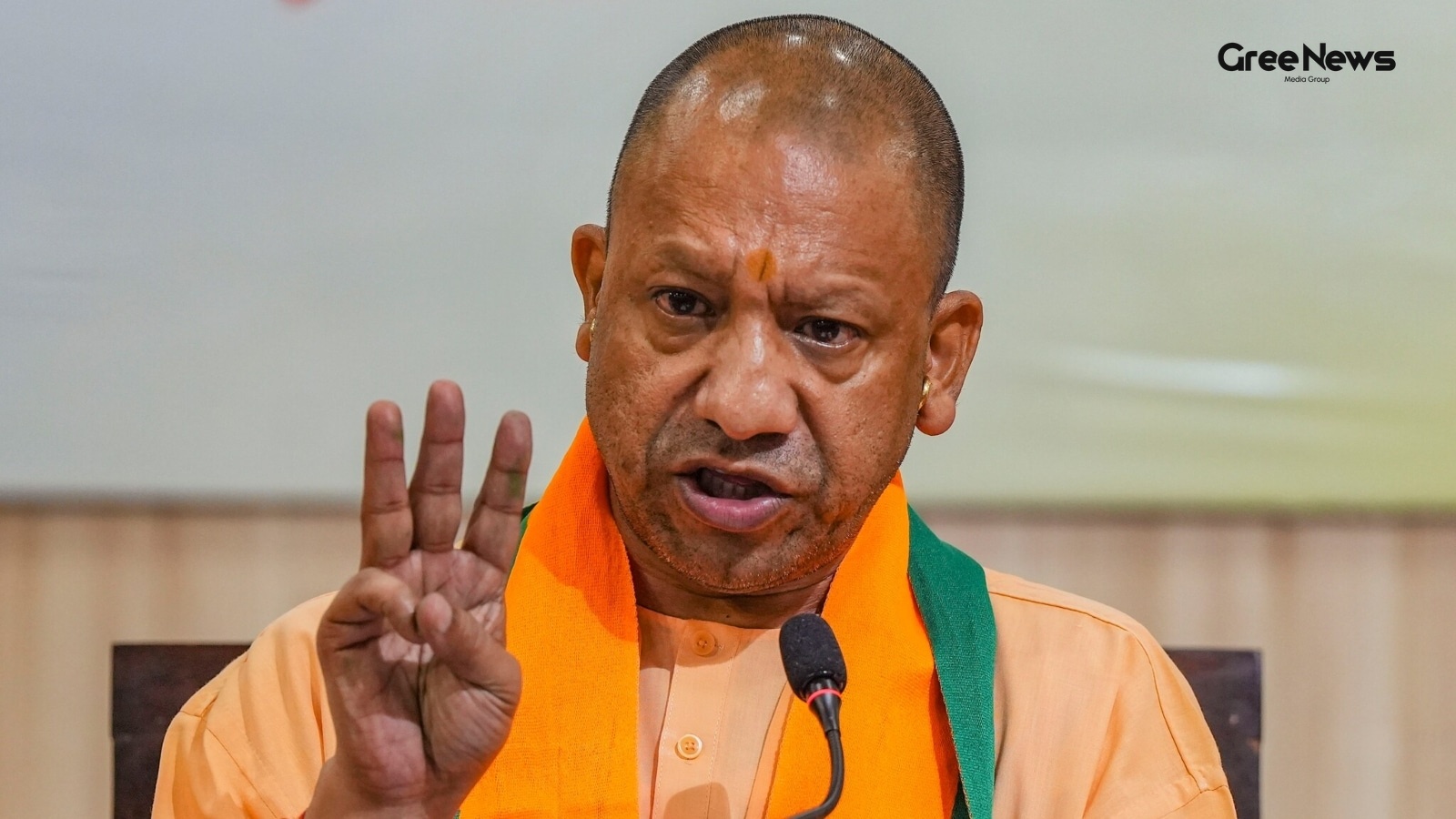
Yogi Adityanath's Letter to PM Modi on Nation-Building and UP's Progress
Yogi Adityanath sent out some greetings on Wednesday to Prime Minister Modi. It was about him reaching twelve years as the longest-serving elected prime minister, that’s what he congratulated him for. He didn't just send a standard note. He actually wrote a letter to PM Modi himself, extending well
Jun 11, 2026 by Gree News Team
Buying Guides: AC Specifications and Immersive Sound Systems
Buying an air conditioner has gotten so much more complicated lately. You have to think about tonnage, inverter tech, efficiency ratings, ambient temps a whole list of things that might or might not matter for just living in a room. The good news is, only a handful of specs actually change how you c
Jun 11, 2026 by Gree News Team

Canada's Digital Safety Act: Overhaul of Social Media and AI Regulation
Canada just rolled out this whole digital safety thing. A big overhaul, they call it. It’s about banning kids under sixteen from having social media accounts. And then there’s the AI bit they want chatbots to stop making harmful stuff. This "Digital Safety Act," introduced Wednesday local time, puts
Jun 11, 2026 by Gree News Team