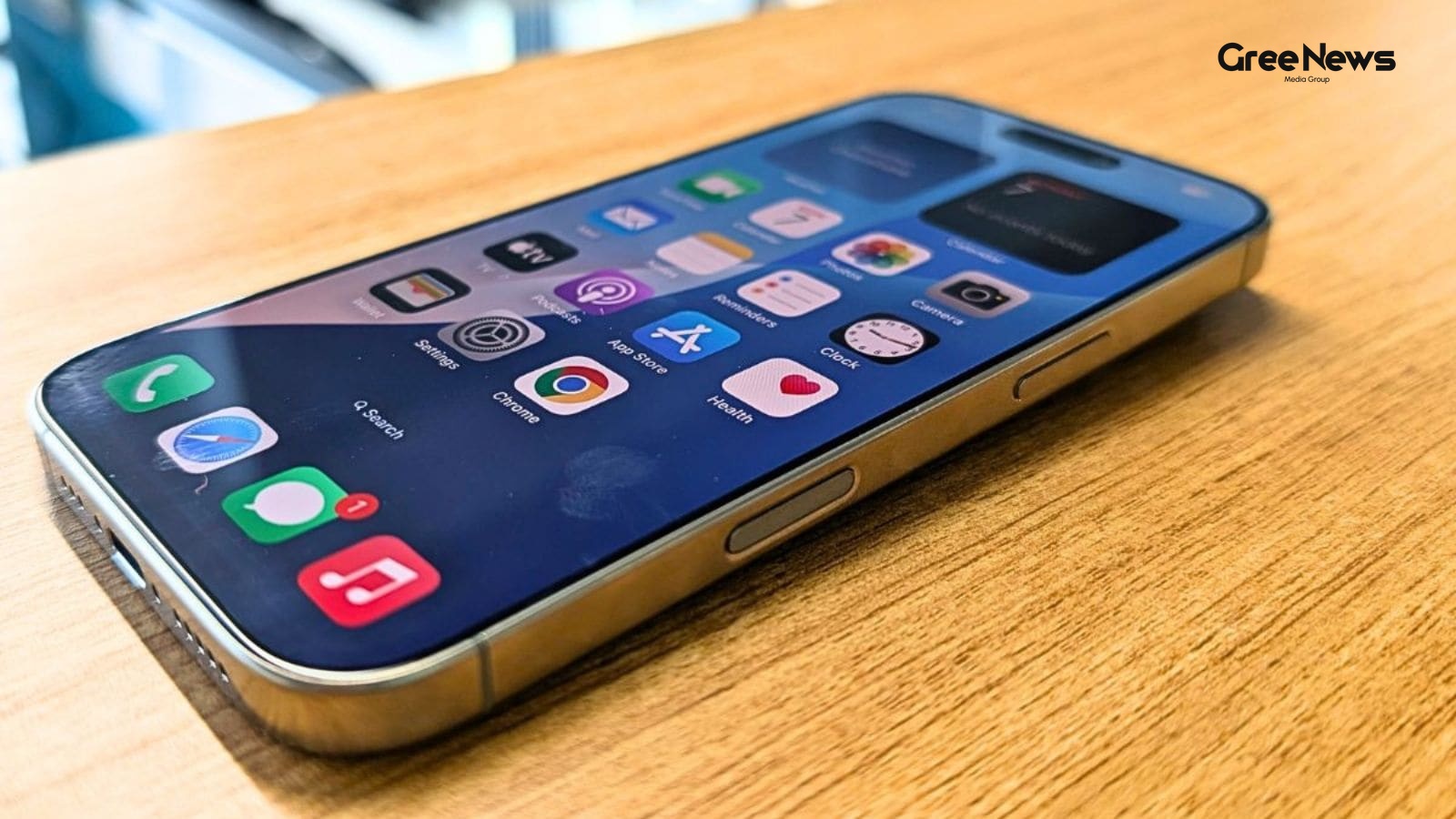
If you’ve been wondering what iOS 27 actually brings you don't have to wait for September anymore. Apple just dropped the public beta today, and honestly, there are some real changes worth digging into. It’s packed, from a completely revamped Siri right down to just generally faster performance across the board.
So if you have an old device lying around, or you’re okay dealing with the occasional glitch, this is actually one of Apple’s more stable betas lately. Worth trying it out. Here are ten things I think people should test.
Look, before we go any further though a quick warning here. We really wouldn't recommend installing a beta on your main phone, especially if you rely heavily on stuff like Health tracking or work apps. Just keep that in mind.
First off, everything just feels faster. That’s the most immediate thing you notice. It isn't some massive new feature flash; it's just how much snappier the whole system is. Animations move quicker. Apps launch faster. AirDrop transfers wrap up way sooner than they used to. You notice this in all the small stuff too taking photos, opening the keyboard, scrolling through the App Library, flipping between Home Screen pages. Everything feels more responsive.
And iMessage syncing got better too. Messages that wouldn't send before felt like they actually retry now. Your iPhone handles switching between Wi-Fi and cellular way smoother than it did previously. That’s just basic operational smoothness improving a lot.
The real kicker is that these speed bumps aren't locked to the newest iPhones. Most of the headline AI stuff, like Apple Intelligence features, still demands an iPhone 15 Pro or something. But those under-the-hood speed gains apply to every supported device. Even older phones should feel noticeably quicker just because the system itself is tighter.
Then there’s Siri. It’s been completely rebuilt into “Siri AI.” This is easily the biggest shift. It's not the same Siri you know and trust. It functions way more like ChatGPT or Claude now, supporting real back-and-forth conversations instead of just single commands.
What makes this version actually different from those other chatbots? It’s access. Because it’s built right into your phone, Siri AI gets private access to everything your messages, emails, photos, apps, all that personal data. That lets it do a whole lot more than a standalone bot ever could. It can search the web too, so it actually knows how to answer general questions.
You can wake it up with a voice command. Or you swipe down from the middle of the screen to type a question. You chat directly in the new Siri app. Or just hit that side button.
Some things it can do are genuinely useful. It can create home automations with one spoken command. Search for specific emails, messages, or files based on who sent them. You can even ask it to delete files you don’t need. Need ingredients for a recipe? Ask it to add those straight to your shopping list. Or look up saved passwords in the Passwords app.
Visual Intelligence is also way easier to get to now. It moved right into the Camera app, sitting there as a new Siri mode alongside your normal photo and video modes. The actual power hasn’t changed much it still does what it was supposed to do but finding that tool is much simpler. There are some handy uses too. Like asking it the nutritional value of food you're about to eat just by looking at it, or scanning a restaurant receipt to figure out how much everyone owes.
Then there’s writing assistance. iOS 27 introduced this system-wide “Write with Siri” feature accessible right from your keyboard. It can generate text from scratch. Give feedback on what you've already written. Adjust the tone or wording. And it even tries to mimic your personal style by looking at your past emails and messages. Plus, it automatically suggests grammar fixes on top of the spelling corrections.
Photos Clean Up got a serious upgrade too. If you’ve used that tool before to sneak unwanted objects out of images? It does a much cleaner job now. It removes what you don't want and fills in the gaps way more convincingly than before. And they added new AI editing tools, letting you push photo borders beyond the original frame or totally change how an image is composed.
And for those who use Passwords, there’s something useful happening inside that app too. It can now automatically fix weak or compromised passwords using Safari. That one needs a device with Apple Intelligence to actually work though.
Safari itself got interesting. You can now build custom extensions just by talking about what you want in plain language. If you need a super specific feature and can't find an existing extension? This is useful. Apple showed examples generating a citation for a webpage, copying it over, setting focus timers for pages, even restyling a site to look like something from the 90s with crazy fonts and colours.
Home app also got smarter cameras and AI search. If you use HomeKit Secure Video, they can now record in 2K or 4K. And there’s this new AI layer that generates text descriptions of what's happening around your house. You can even search through old footage using natural language to find a specific moment.
AirPods are getting custom sound tuning too. If you ever wanted to fine-tune how they sound, iOS 27 lets you adjust the mids, highs, and lows individually. That option is available on AirPods 4, Pro 2, Pro 3, and Max 2.
Finally, Shortcuts. They finally got beginner-friendly. The app used to scare a lot of people off. Now, you can just describe what you want a shortcut to do, and the AI builds it for you automatically. Then you can tweak it with simple requests, or manually edit if you want more control.
Look, if you have another device you feel comfortable messing around on a secondary machine the iOS 27 beta is genuinely one of the most polished ones Apple has put out recently. It gives you a real head start on everything coming this September. Just seriously steer clear of installing it on your main phone. Especially if you need it for health tracking or work every single day.
Written by Gree News Team — Senior Editorial Board
Gree News Team covers international news and global affairs at Gree News. Our collective of senior editors is dedicated to providing independent, accurate, and responsible journalism for a global audience.
More from Tech
View All
Hand Blender Guide: Choosing the Right Tool for Your Kitchen
That hand blender thing. It just seems optional until you actually start using one regularly. It’s funny how that happens in the kitchen. Maybe you’re stuck trying to blend a whole pot of tomato soup without having to wrestle it into some mixer jar. Or maybe it’s that quick banana shake for breakfas
Jul 14, 2026 by Gree News Team

The Hidden Cost of AI: Proprietary Knowledge and Corporate Power
There’s this growing unease in Silicon Valley, something that’s been simmering for a while, and now Microsoft’s CEO just threw a public stamp of legitimacy on it. The concern, really, is pretty straightforward. When companies start leaning on AI models from the big labs OpenAI, Anthropic, you know t
Jul 14, 2026 by Gree News Team
Apple's Pricing Strategy and Future iPhone Predictions
Apple is pushing prices again. It’s forcing people to grab the iPhone 17 now before things get even more expensive. That move messes with their supply plans for the older models too. They hiked prices on MacBooks, Mac Minis, and iPads in India recently. It’s a teaser, really. What you can expect onc
Jul 14, 2026 by Gree News Team
Google Chrome Security Risks and Urgent Updates
Google Chrome is running into some serious security trouble right now. The Indian government just threw out a major warning this month about these new risks. It’s not good news, and it's hitting millions of people in India who use Chrome on Windows or macOS setups. The official alert came from CERT-
Jul 13, 2026 by Gree News Team
Latest Headlines

The Reality of Freedom: A Gig Worker's Journey
It’s funny how these things hit you online. You know? All the talk about work-life balance, burnout… people are screaming for flexibility now. But something actually surfaced recently. A Gurgaon entrepreneur, Akash Gupta, he just recorded a chat with a cab driver. And it totally caught fire on socia
Jul 14, 2026 by Gree News Team

Govinda Gears Up for Big Screen Return with 'Roopa'
Govinda’s fans are getting something to look forward to. The Bollywood actor is finally gearing up for a big screen return with his upcoming film, ‘Roopa’. He admitted that people had written him off several times. But he always bounced back. That’s the attitude, I guess. And naturally, he introduce
Jul 14, 2026 by Gree News Team
Bhagwant Mann's Mandate on Private School Fees in Punjab
Bhagwant Mann, the Punjab Chief Minister, dropped a bombshell on Monday about private schools. He said that if these institutions hiked fees more than five percent every year over the last three years, they have to give the extra money back to parents. It felt like he was really pushing back against
Jul 14, 2026 by Gree News Team

Indian Markets React to Geopolitical Friction and Oil Price Surge
Markets opened lower today. The Indian benchmark indices took a hit after fresh geopolitical friction in West Asia pushed crude oil prices up to a one-month high. Investor sentiment across Asian markets definitely dampened. The BSE Sensex was sitting at 77,277.57 this morning. That's a drop of 338.8
Jul 14, 2026 by Gree News Team

Conviction in Delhi Riots: The Case of Ankit Sharma
Nearly six years have passed since Ankit Sharma, an Intelligence Bureau officer, was brutally killed in the 2020 Delhi riots. But some relief finally arrived on Monday. The Karkardooma court convicted former AAP councillor Tahir Hussain and four others for their role in that killing. It’s a heavy th
Jul 14, 2026 by Gree News Team

Rupee Hit by Geopolitical Events and Oil Price Surge
The rupee took a hit this morning. It slipped by forty-nine paise to settle at 96.17 against the dollar. That all because of those US strikes against Iran, happening for the third night in a row. It just poured gasoline on the fire, making everyone nervous about that ceasefire finally falling apart
Jul 14, 2026 by Gree News Team

The Cultural Shift: Football Idols and Naming Trends in Peru
The whole thing is just… strange, isn’t it? This whole wave of naming babies after football heroes. It started with something massive the World Cup. You have these giant tournaments, right? They warp reality for a bit. Everyone stops what they are doing and starts talking about the stars. And now th
Jul 14, 2026 by Gree News Team

Paul Wesley and Natalie Kuckenburg's Intimate Wedding
Love seemed to be everywhere for Paul Wesley and Natalie Kuckenburg as they got married. It was an intimate ceremony. Just a minister there, and their dog Greg. They exchanged vows in what felt like a simple but beautiful celebration of four years together. Paul Wesley, you know him from *The Vampir
Jul 14, 2026 by Gree News Team
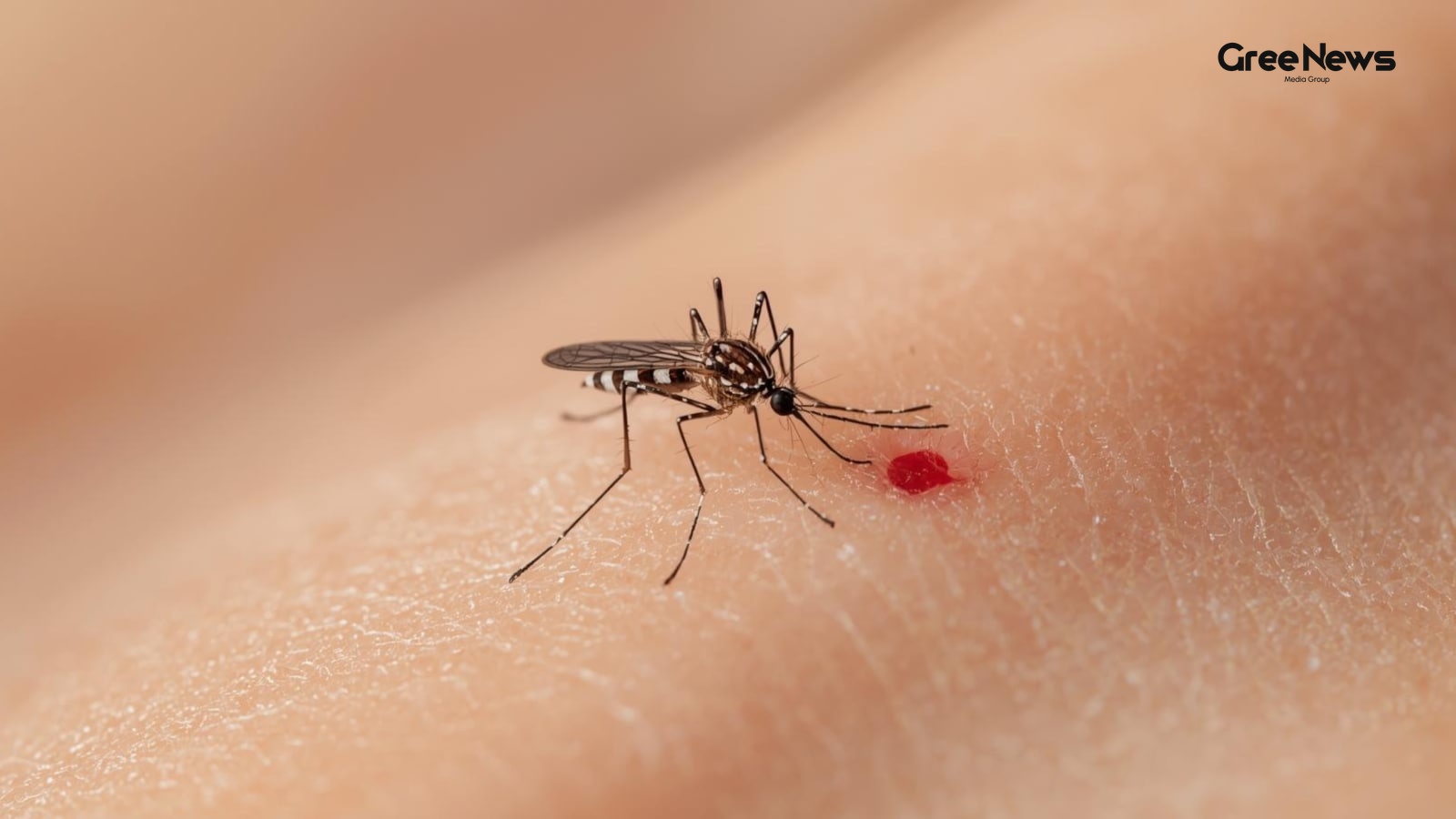
Biological Factors Influencing Insect Attraction
Have you ever just felt… singled out? Certain biological factors make some people way more attractive to these blood-sucking insects than others. It really comes down to a few things influencing the whole situation. The air you breathe, your body temperature, even that natural scent you carry all of
Jul 14, 2026 by Gree News Team

The Financial and Emotional Clash: A Software Engineer's Story
A software engineer from Gurgaon working with PayU posted something online that just blew up. It was about feeling totally crushed financially because he’s the only earner in his family. He praised his wife, Nisha, saying she was a great mother. But then came the real part. He admitted sometimes he
Jul 14, 2026 by Gree News Team
Hand Blender Guide: Choosing the Right Tool for Your Kitchen
That hand blender thing. It just seems optional until you actually start using one regularly. It’s funny how that happens in the kitchen. Maybe you’re stuck trying to blend a whole pot of tomato soup without having to wrestle it into some mixer jar. Or maybe it’s that quick banana shake for breakfas
Jul 14, 2026 by Gree News Team
The Hidden Cost of AI: Proprietary Knowledge and Corporate Power
There’s this growing unease in Silicon Valley, something that’s been simmering for a while, and now Microsoft’s CEO just threw a public stamp of legitimacy on it. The concern, really, is pretty straightforward. When companies start leaning on AI models from the big labs OpenAI, Anthropic, you know t
Jul 14, 2026 by Gree News Team
Apple's Pricing Strategy and Future iPhone Predictions
Apple is pushing prices again. It’s forcing people to grab the iPhone 17 now before things get even more expensive. That move messes with their supply plans for the older models too. They hiked prices on MacBooks, Mac Minis, and iPads in India recently. It’s a teaser, really. What you can expect onc
Jul 14, 2026 by Gree News Team
SBI Funds Management IPO: Details, Valuation, and Market Analysis
SBI Funds Management launched its IPO today. It’s India’s biggest asset management company, after all, the largest one. They’re raising nearly nine thousand eight hundred crore rupees. The public window is short just three days, closing on July 16th. Listing day? That's scheduled for July 21st on bo
Jul 14, 2026 by Gree News Team

Accountability Failure: The Tragedy of Emergency Response on the Train
It all started with a whisper online, didn't it? A tragedy that sort of seeps into the air, you know? This woman, allegedly, just… stopped breathing on that train ride from Bandra to Delhi. Severe breathing problems. It’s the kind of thing that makes your stomach clench immediately. But the story is
Jul 14, 2026 by Gree News Team