CUET UG 2026 Provisional Answer Key, Challenge Process, and Scoring
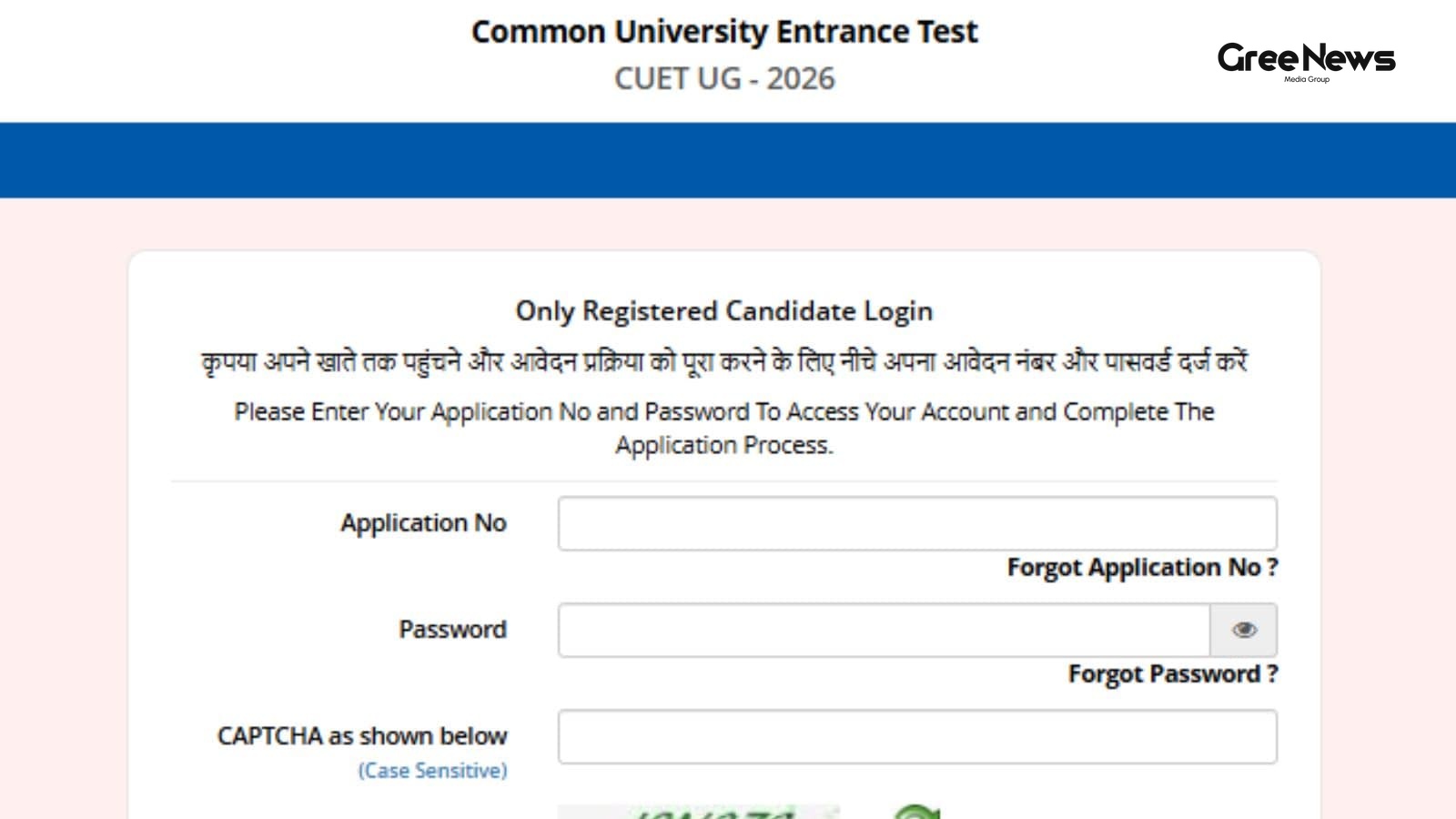
The National Testing Agency just dropped the provisional answer key for the CUET UG 2026 exams. It’s out now. Candidates need to log in exams.nta.ac.in or cuet.nta.nic.in. That's where you can see your response sheets and the provisional answers.
But there’s more than just the key floating around. They also released the actual response sheets for everyone who took the CUET UG 2026 test.
If anything looks wrong, if you spot a discrepancy? You have to raise an objection. There’s a window for this, and it closes soon. June 11th. That’s the deadline, up until 11:50 PM. Don't miss that.
How to Challenge an Answer Key
How do you actually start challenging something? It isn't simple. They laid out a process there a kind of maze if you ask me.
You have to hit cuet.nta.nic.in first. Simple enough, right? But then you look for the link: ‘Challenge(s) regarding Answer Key’. That’s where the action starts.
It’s not just logging in. You need your Application Number and Password. Captcha too. Standard stuff, but it feels like a lot of steps just to check an answer.
Then comes the tricky part. After you get into that challenge window, you click on ‘View Question Paper’. That shows what you marked down. To actually see or fight the keys? You have to hit ‘Click to view/Challenge Answer Key’. It’s layered.
And here’s a point they made that catches people out. The Question IDs in that answer key list aren't lined up sequentially. Seriously, don't trust the order. You need to cross-reference it with your actual question paper. Match those IDs up carefully. That part is crucial.
The ID next to each correct option just points you to the right spot for that specific question. Easy enough once you’ve done the matching.
If you decide you want to challenge something, you pick the options you disaGree with select one or more Option IDs from those four columns by ticking the box. You have to be deliberate about which ones you are contesting.
Then there’s uploading proof. They ask for supporting documents. Click ‘Choose File’. Upload whatever evidence you have. And listen up: everything has to be merged into a single PDF file. No splitting things up. One document only.
Once you've selected your challenges, scroll down and hit ‘Submit and review Claims’. Then you go through the list. All the Option IDs you challenged will show up there.
You can tweak them if you change your mind click ‘Modify your Claims’ or just finalize it with ‘Final Submit’. After saving those claims? A screen pops up showing all your challenges.
And then, naturally, the money side of things. You have to hit ‘Pay Now’. It's a fee. Rs 200. That’s what you pay for the challenge process itself. And finally, submit it and make sure you save a copy. For later reference. Don’t lose that receipt.
Calculating Your CUET UG 2026 Score
Now, let's talk about scoring this whole mess. How do you actually figure out your CUET UG 2026 score? It follows some specific marking scheme they set up.
It's pretty straightforward mathematically, but the rules around wrong answers are where things get messy.
- For every correct answer you got? Five marks . Simple.
- But if you marked something wrong? You lose one mark for each incorrect response. That’s the deduction part.
- No points for questions you just left blank or ones you marked for review.
If there were multiple right options on a question, and you picked just one of them any one of the correct choices you get five marks . If everyone who attempted it got all the options right? Then every candidate who tried that question gets the full five marks. But if a question was found wrong or dropped entirely from the paper? Still five marks for anyone who managed to attempt it.
Your final score is just the sum of those correct answers minus all those penalty marks for the mistakes you made. It’s addition and subtraction, nothing more. Just keep track of that negative stuff.
Written by Gree News Team — Senior Editorial Board
Gree News Team covers international news and global affairs at Gree News. Our collective of senior editors is dedicated to providing independent, accurate, and responsible journalism for a global audience.
More from Education
View All
The Psychological Toll of NEET Cancellation and Re-attempts
The mood among those prepping for NEET right now is pretty messed up. A lot of aspirants are feeling this intense anxiety, routines totally shot, confidence gone, and a deep distrust of the whole system after that earlier test got cancelled. Months or even years spent grinding just got hit by this s
Jun 12, 2026 by Gree News Team
Kerala Board Plus One Results 2026 Announcement and Checking Methods
The Kerala Board Plus One results for 2026 are finally coming today, June 10th. That’s when the Directorate of Higher Secondary Education will officially announce everything. Students who took the DHSE Kerala Class 11 exams in 2026 can start checking their scores now. You have a few places to look,
Jun 10, 2026 by Gree News Team
Scribe Support for PwD/PwBD Candidates in NEET (UG) 2026 Exam
The National Testing Agency, right? They just kicked off the online portal for those who need scribe support Persons with Disabilities (PwD) and Persons with Benchmark Disabilities (PwBD) candidates for the upcoming NEET (UG) 2026 exam. It’s all about submitting scribe details. There was a window op
Jun 10, 2026 by Gree News Team

CTET 2026 Application Guide: Eligibility, Timeline, and Fees
The CTET 2026 application window is closing fast, and things are getting really specific about how people can even get in the door. You need to know the timeline right now. They opened applications on May 11th, but listen up the deadline is tomorrow. June 10th, 2026, at 11:59 PM. That’s it. If you m
Jun 9, 2026 by Gree News Team
Latest Headlines

Internal Fracture and Instability within the Trinamool Congress
The air around the Trinamool Congress right now isn’t just heavy with disappointment; it feels brittle. It’s one of those periods where everything that was simmering beneath the surface suddenly boils over into something very real and very dangerous. The party is reeling, utterly battered by the ele
Jun 12, 2026 by Gree News Team

The Rise of Social Media Creators in Indian Reality TV
The Indian television scene is changing fast. Seriously. Over the last few years, it’s been a massive shift. Content creators, YouTubers, those social media influencers? They are totally taking over reality TV now. Think about names like Elvish Yadav, Mr Faisu, Abhishek Malhan. People used to see th
Jun 12, 2026 by Gree News Team
The Psychological Toll of NEET Cancellation and Re-attempts
The mood among those prepping for NEET right now is pretty messed up. A lot of aspirants are feeling this intense anxiety, routines totally shot, confidence gone, and a deep distrust of the whole system after that earlier test got cancelled. Months or even years spent grinding just got hit by this s
Jun 12, 2026 by Gree News Team

Elon Musk’s SpaceX IPO: The $75 Billion Bet and Future Implications
Elon Musk’s SpaceX is about to go public. It's set for its Wall Street debut this Friday. People are calling it potentially the biggest IPO in history. That kind of stuff gets everyone watching. They priced the shares at $135 each. And they’re aiming to raise a staggering $75 billion. Think about th
Jun 12, 2026 by Gree News Team
Denaturalization Actions Against Foreign-Born Americans
The Department of Justice just announced something heavy. They’ve filed denaturalization actions against seventeen foreign-born Americans. The accusation? They allegedly got U.S. citizenship through fraud, hiding things, or outright misrepresentation during that process. It marks a real expansion in
Jun 12, 2026 by Gree News Team
Testimony of Jeffrey Epstein's Former Executive Assistant
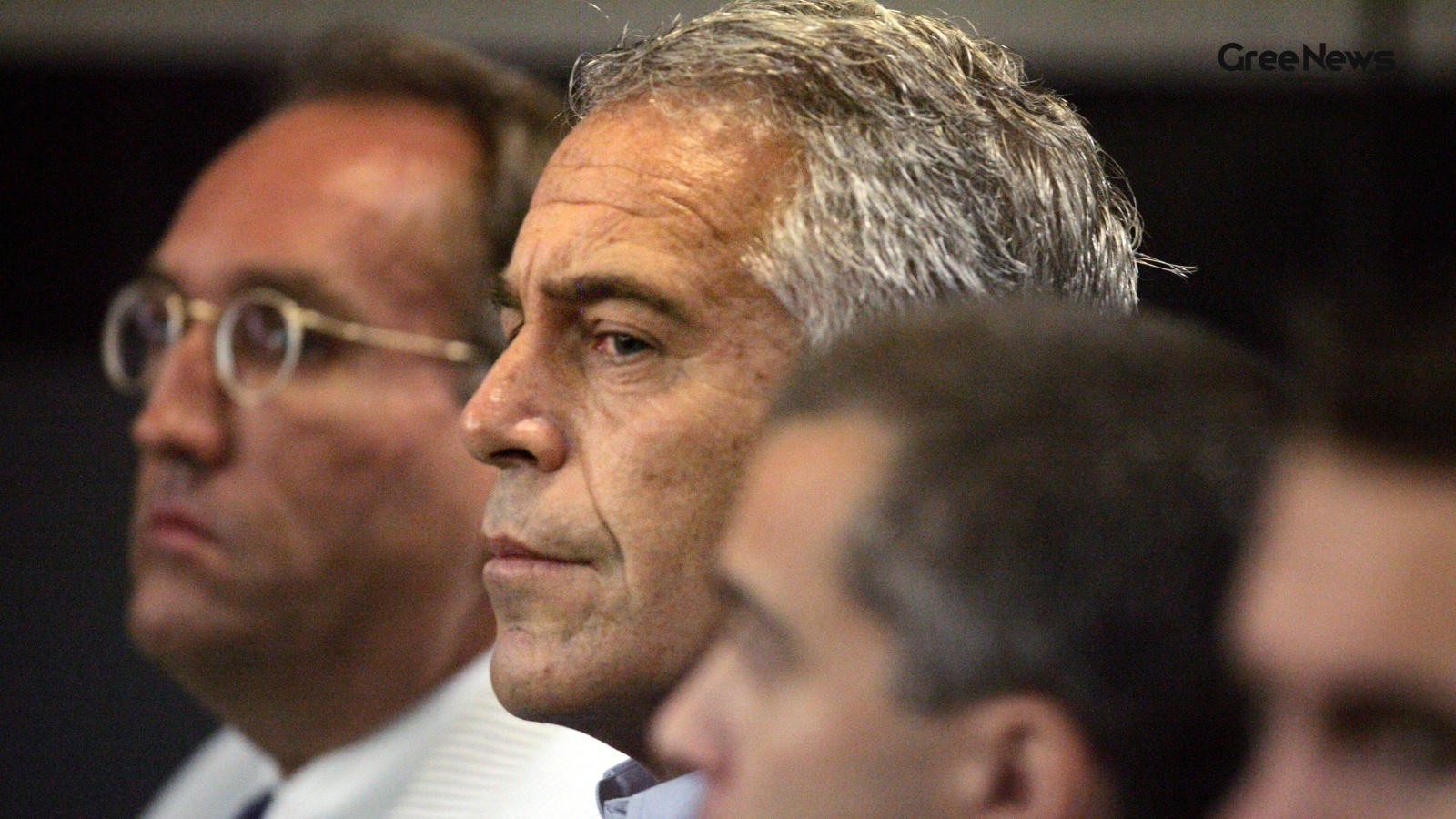
Jeffrey Epstein’s longtime executive assistant told the House Oversight Committee something heavy. She claimed she had no knowledge of the late financier’s sexual abuse crimes. She described him as a "monster," a "master manipulator" who managed to keep his secret life completely hidden from everyon
Jun 12, 2026 by Gree News Team
Global Recognition of Modi's Leadership and Tenure
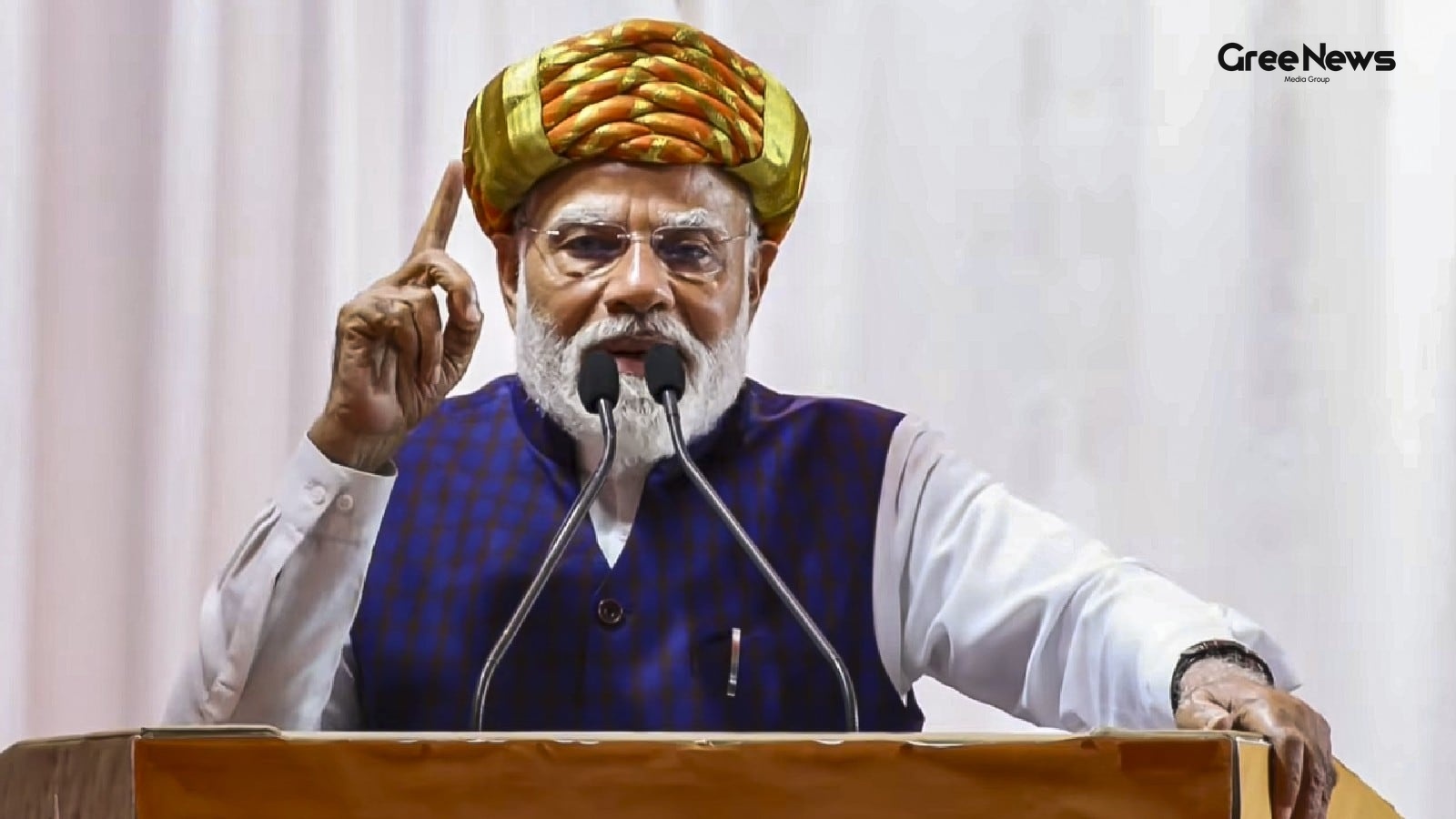
Modi, having held the reins for what feels like an eternity now, got waves of congratulations from leaders all over the world. It’s been a long run, and apparently, that translates into global recognition praise about his leadership, the economic direction he’s set, and how much influence he seems t
Jun 12, 2026 by Gree News Team
Pranit More: Controversy, History, and Public Reaction
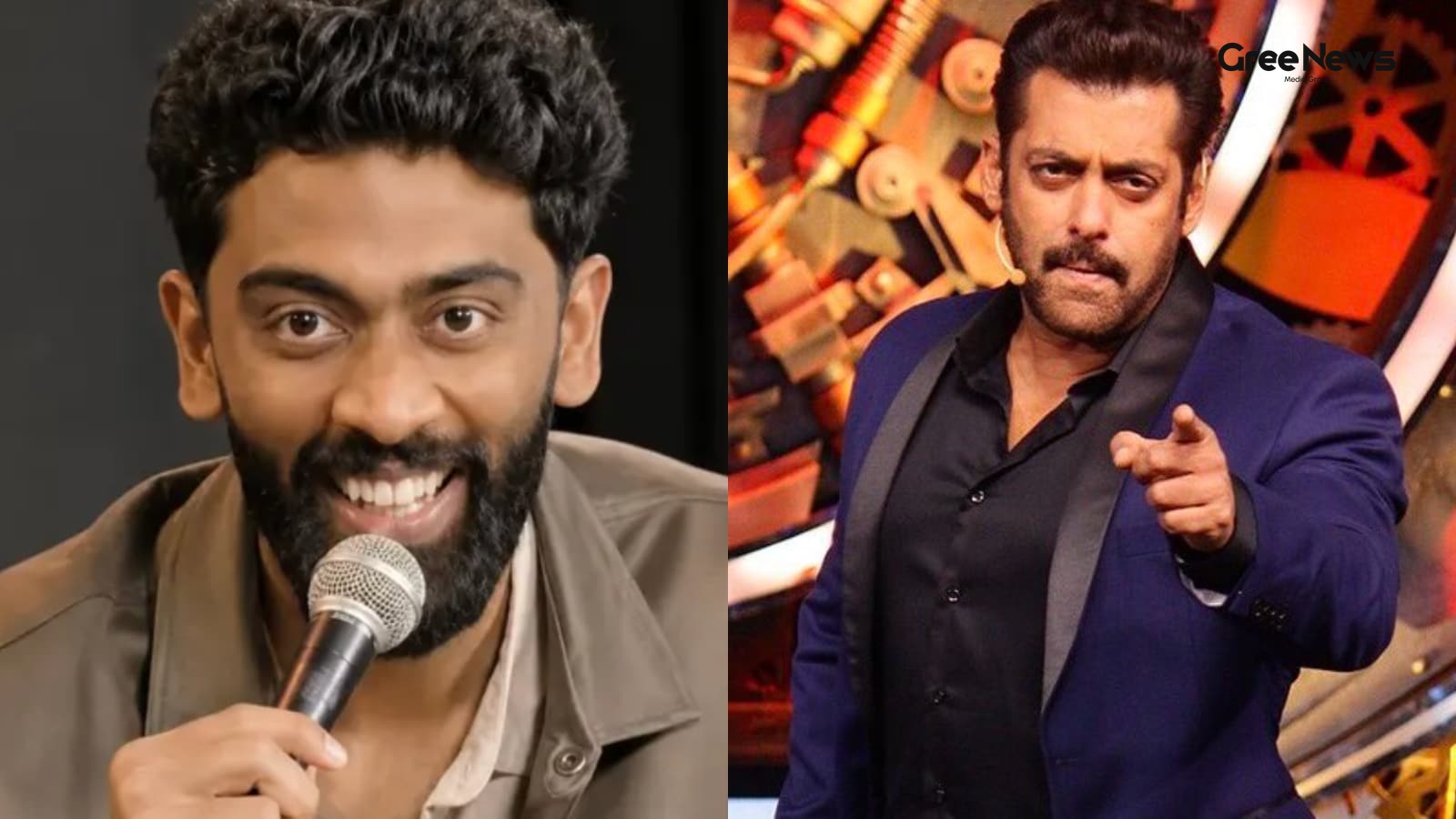
Pranit More. The name surfaces in the middle of something ugly. Comedian, contestant from Bigg Boss 19. Now he’s caught up in this massive stir because of some clip that blew up online from one of his crowd shows. Just plain messy. The whole thing kicked off with an audience member. Himanshu Jangra.
Jun 12, 2026 by Gree News Team

Partha Bhowmick Moves Out of Delhi Bungalow: Political Implications for Trinamool Congress
Something’s shifting around here with all the noise about the Trinamool Congress MPs right now. Partha Bhowmick, one of them, has formally moved out of that government bungalow in New Delhi. It was basically where the party ran things, their real base in the capital. He actually asked for that move
Jun 12, 2026 by Gree News Team

Geopolitical Escalation and Fear in the Strait of Hormuz
The air around the Strait of Hormuz just got heavier. It’s that kind of palpable shift you feel before something breaks a low hum of anxiety that settles deep in the bones of anyone paying attention to the geopolitical currents swirling through the Middle East right now. And it wasn't subtle this ti
Jun 12, 2026 by Gree News Team

Katrina Kaif: Career Comeback, OTT Exploration, and Personal Life
Katrina Kaif. She’s apparently gearing up for a return to acting. It’s all kind of talk right now. Some reports floating around suggest she might be looking into projects in the OTT space. A comeback story, you know? Especially after everything that happened with her son, Vihaan Kaushal, last year.
Jun 12, 2026 by Gree News Team
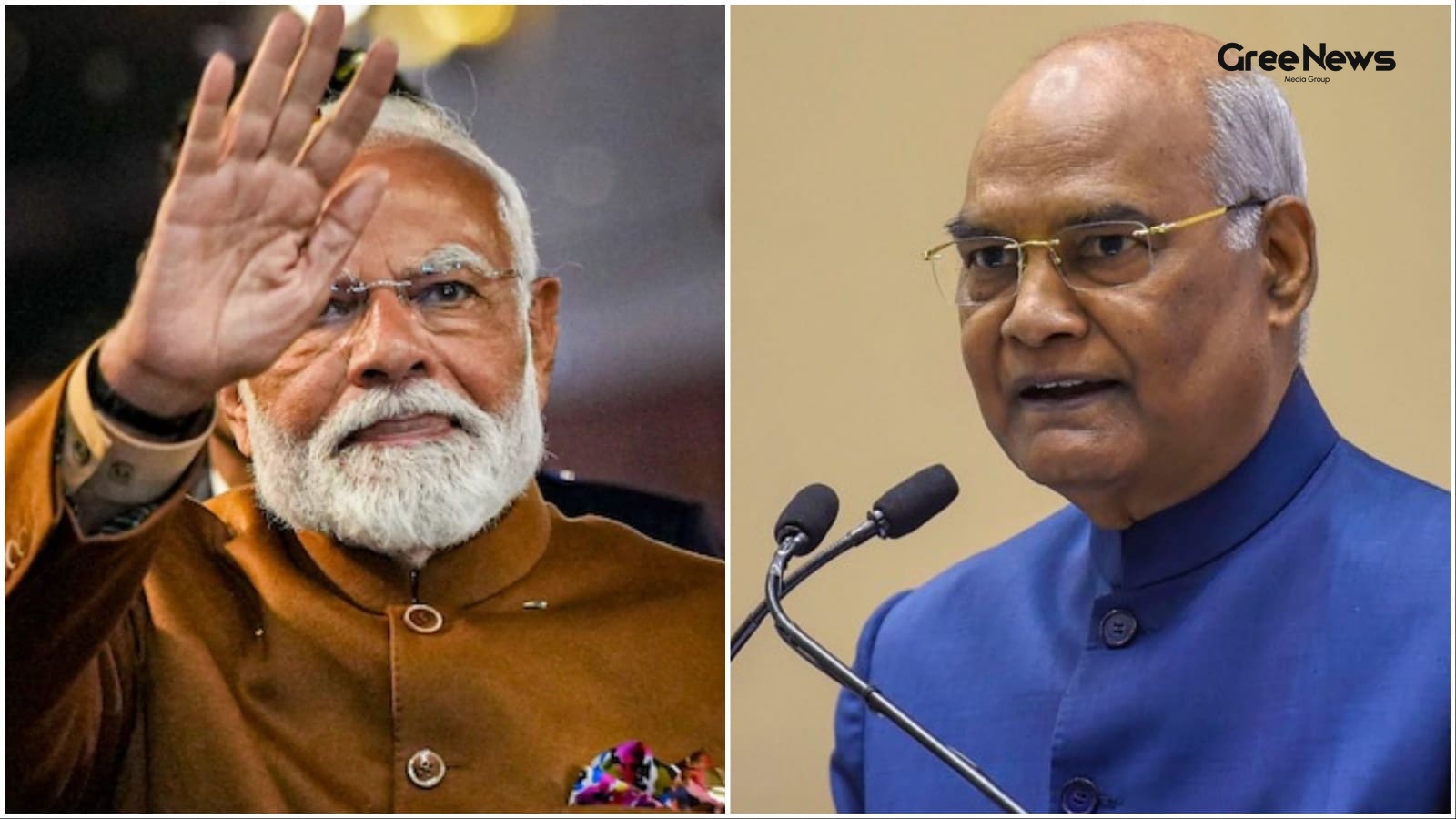
Modi's Longest Tenure: A Defining Moment for India's Democratic Journey
Modi hitting his longest tenure, officially becoming India’s longest-serving democratically elected Prime Minister, that’s what happened Wednesday. Former President Ram Nath Kovind weighed in, calling it a defining moment for the post-Independence journey. He argued that just counting the days isn't
Jun 12, 2026 by Gree News Team

The Unspoken Dynamics of Political Uncertainty
The air felt thick today. Not just humid. Something else was hanging there. A kind of low hum you can feel in your teeth. It’s always like this when things are about to shift, isn't it? You just sense the change before anyone actually says a word. The political scene right now... it’s not neat. It’s
Jun 12, 2026 by Gree News Team

Argentina vs Iceland: The Emotional Shift and Messi's Return
The game against Iceland wasn't exactly a showcase for anything spectacular, really. It felt more like an early warm-up a kind of test run, you know? But what happened on that Tuesday, though, was definitely something. Argentina managed to pull off a convincing 3-0 win over Iceland in that final war
Jun 12, 2026 by Gree News Team

Pakistani Air Strikes in Afghanistan: Civilian Casualties and Regional Tensions
The death toll from those reported Pakistani air strikes in eastern Afghanistan has jumped up to nineteen, TOLO News is reporting. The targeting was in Manay village, Spera district. At least one woman and eight children were killed there. Several others also got hurt. Sources mentioned the victims
Jun 12, 2026 by Gree News Team